Two of the stories in this issue start the same way: with a file-sharing system nobody was watching closely enough.
At the Defense Manpower Data Center, outsiders had access to one for months. More than three million people were affected, and some of the records tied personal details to military roles. Then, in our Technical Research, we take apart a different file-sharing system. In the ShareFile Storage Zone Controller, a login redirect that didn’t actually stop the page, plus an upload feature, was enough to hand an attacker remote code execution.
The systems are different, but the problem is the same. A file-sharing server looks like plumbing, but it sits right next to the data people care about, and it’s usually exposed to the internet on purpose.
So this issue’s Deep Dive asks the obvious question: what are those DMDC records actually worth once a name and a Social Security number are tied to a military job, and does a year of credit monitoring address the risk that matters? Along the way we cover Have I Been Pwned and its creator Troy Hunt, preview the Council of Europe’s Octopus Conference, and round up the week’s news.

Inside this issue
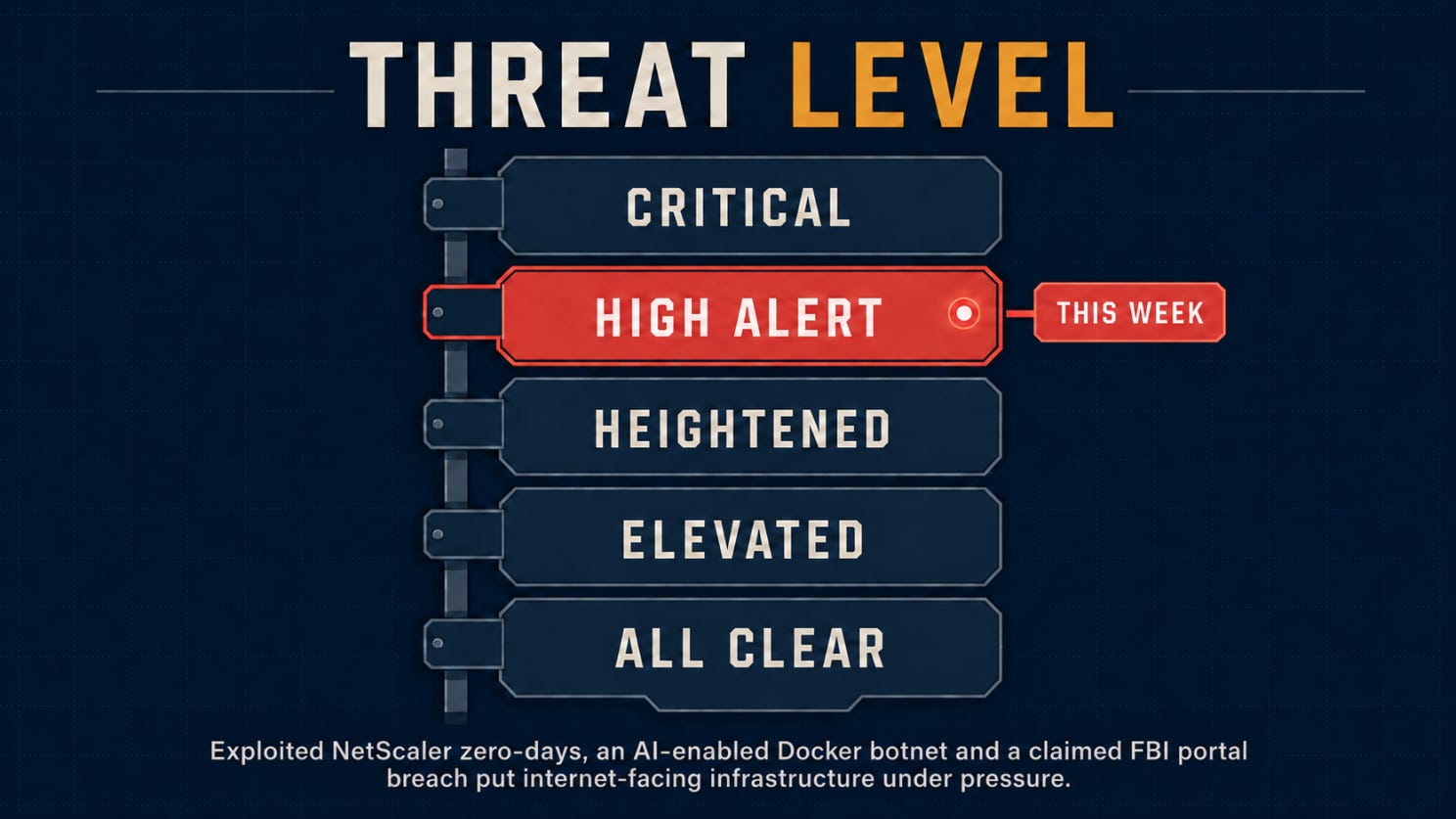
🌡️ Threat Level: Elevated
⚡ News: Three incidents that turn exposed infrastructure into data risk
🔎 Deep Dive: 3 Million Military Records Exposed. What Were They Worth to Whoever Took Them?
🎣 Is It a Phish?
🔬 Technical Research: The Login Page Redirected You. It Also Sent You the Admin Panel.
🛠️ Tool of the Week: Have I Been Pwned
👏 Person of the Week: Troy Hunt
📅 Event of the Week: Octopus Conference 2026
📚 Book of the Week: Kingpin
😅 The Meme
❓ One Question Before You Leave
Let’s dig in.
🌡️Threat Level
Kitchen, on the boil
⚡Section 01: News
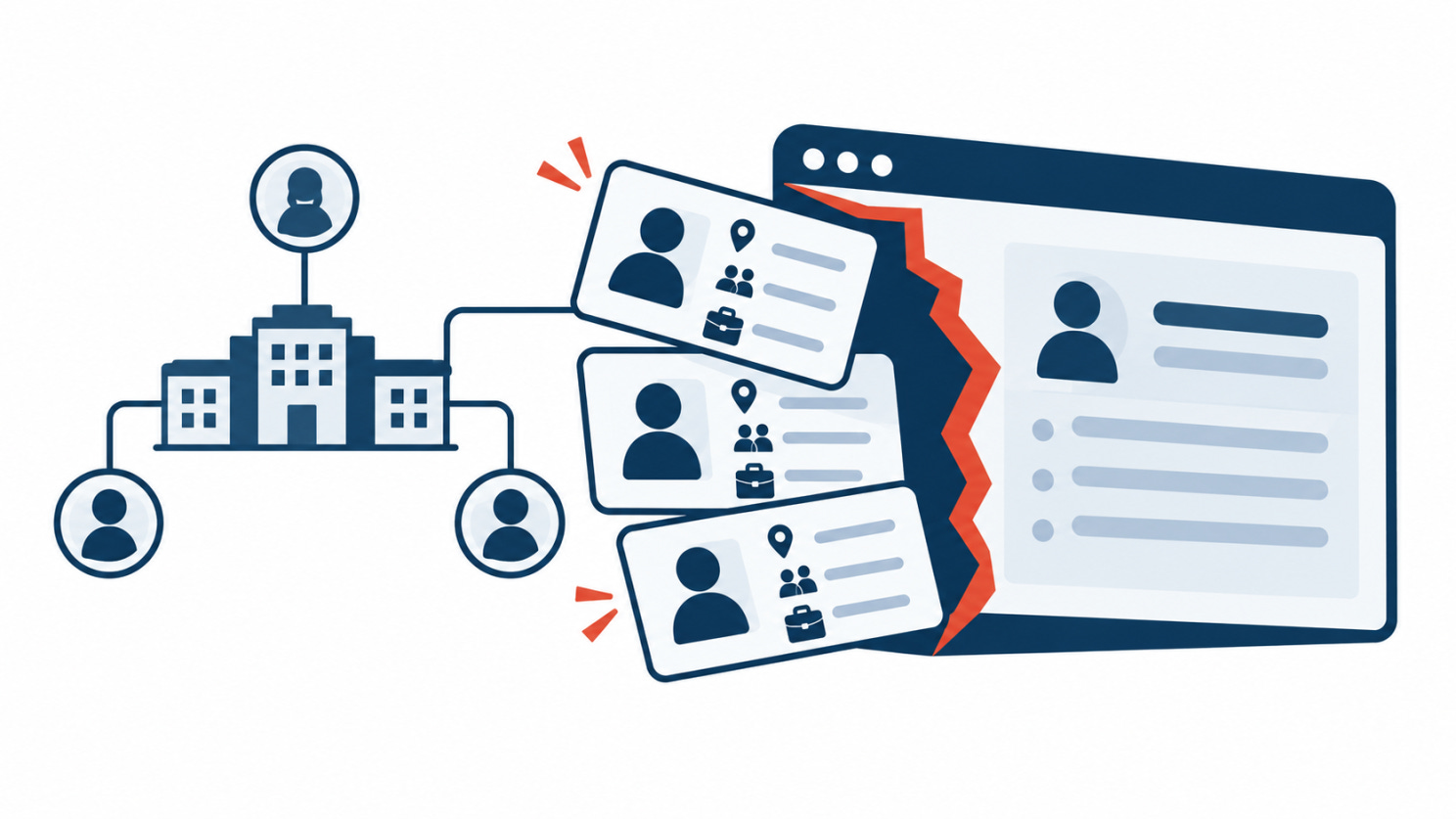
Applicants, to go
ShinyHunters claims a 2 to 3 TB haul from the FBI’s jobs portal
On September 23, the FBI said it was investigating a cyber incident after ShinyHunters claimed it had broken into fbijobs.gov and taken data on employees and applicants.
The group says it has 2 to 3 terabytes of files. As proof, it gave reporters a sample of about 5,000 records: names, addresses, phone numbers, dates of birth, Social Security numbers and emergency contacts. Some entries also listed field offices and work in intelligence, security and counterespionage.
Reporters could verify parts of the sample, but not the whole dataset. The FBI hasn’t confirmed the volume or how the attackers got in. It said the breach point could be in its own environment or with one of the third parties that support the recruitment portal.
Why it matters: An SSN on its own is an identity-theft problem. An SSN next to a field office, a type of work and a list of family contacts is something else. It tells someone who to watch, who to impersonate, who to pressure and who to send a very specific phishing email to.
Recruitment systems also say a lot about the organization behind them. Between applications, references, medical forms and assignment histories, you can work out who works where, which teams are hiring and who would plausibly get a sensitive internal message. Credit monitoring might catch financial fraud. It won’t do anything about that.
The unclear breach point is a warning of its own. Applicant data often passes through the agency, the recruitment platform and several contractors. If it takes weeks to work out who held the data, who ran the application and who has the logs, that confusion slows down the whole response.
Classify recruitment and HR systems by the data they hold, not by what the portal is called.
Gateways, on the grill
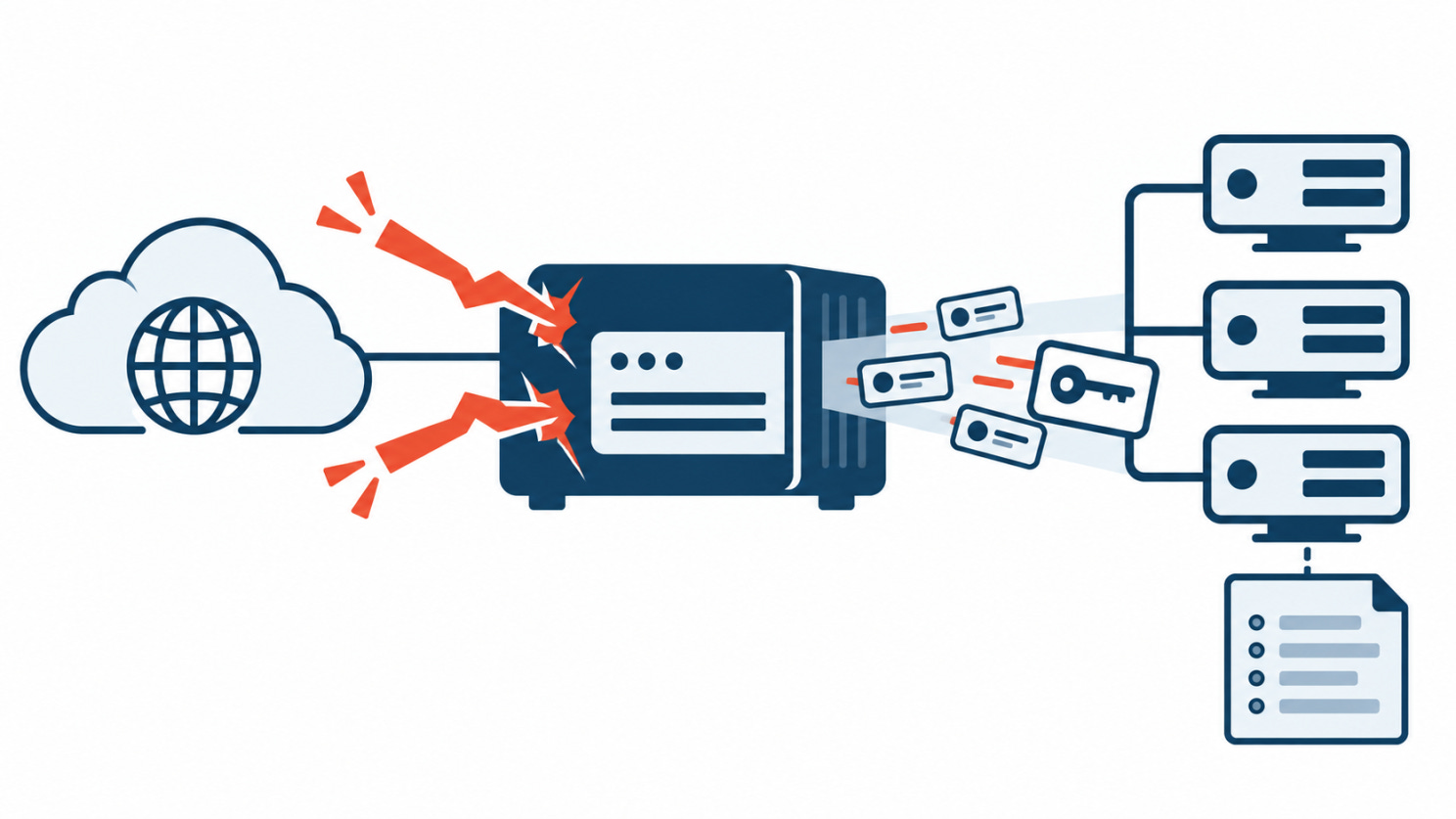
Citrix patches two NetScaler zero-days already exploited in the wild
On September 27, Citrix disclosed two critical vulnerabilities in NetScaler ADC and Gateway, CVE-2026-88771 and CVE-2026-88772. Both are rated 9.5, and Citrix says it has already seen them exploited on unmitigated deployments.
CVE-2026-88771 is an input-validation flaw that can let an unauthenticated attacker run commands on the appliance. CVE-2026-88772 is a memory overflow that can lead to remote code execution or denial of service when DTLS is enabled.
Citrix told customers to update immediately. CISA added both bugs to its Known Exploited Vulnerabilities catalog and went a step further: check for signs of compromise before you patch, and keep the forensic evidence.
Why it matters: A NetScaler sits between outside users and internal applications. It terminates connections, brokers remote access and, depending on the setup, handles logins, session state, certificates and traffic going deeper into the network. Code execution on that box puts an attacker in a very trusted spot.
That’s why patching isn’t the end of it. The update closes the hole, but it doesn’t remove anyone who got in before, and it doesn’t cancel sessions, credentials or secrets they may already have.
If you had a vulnerable NetScaler facing the internet, treat it as a possible incident. Patch it, kill active sessions, rotate any secrets it could reach, check for configuration and filesystem changes, and compare its activity with logs kept somewhere the appliance couldn’t touch.
“Is it patched?” is the easy question. The useful one is what the box was doing before you patched it.
Botnets, with a twist
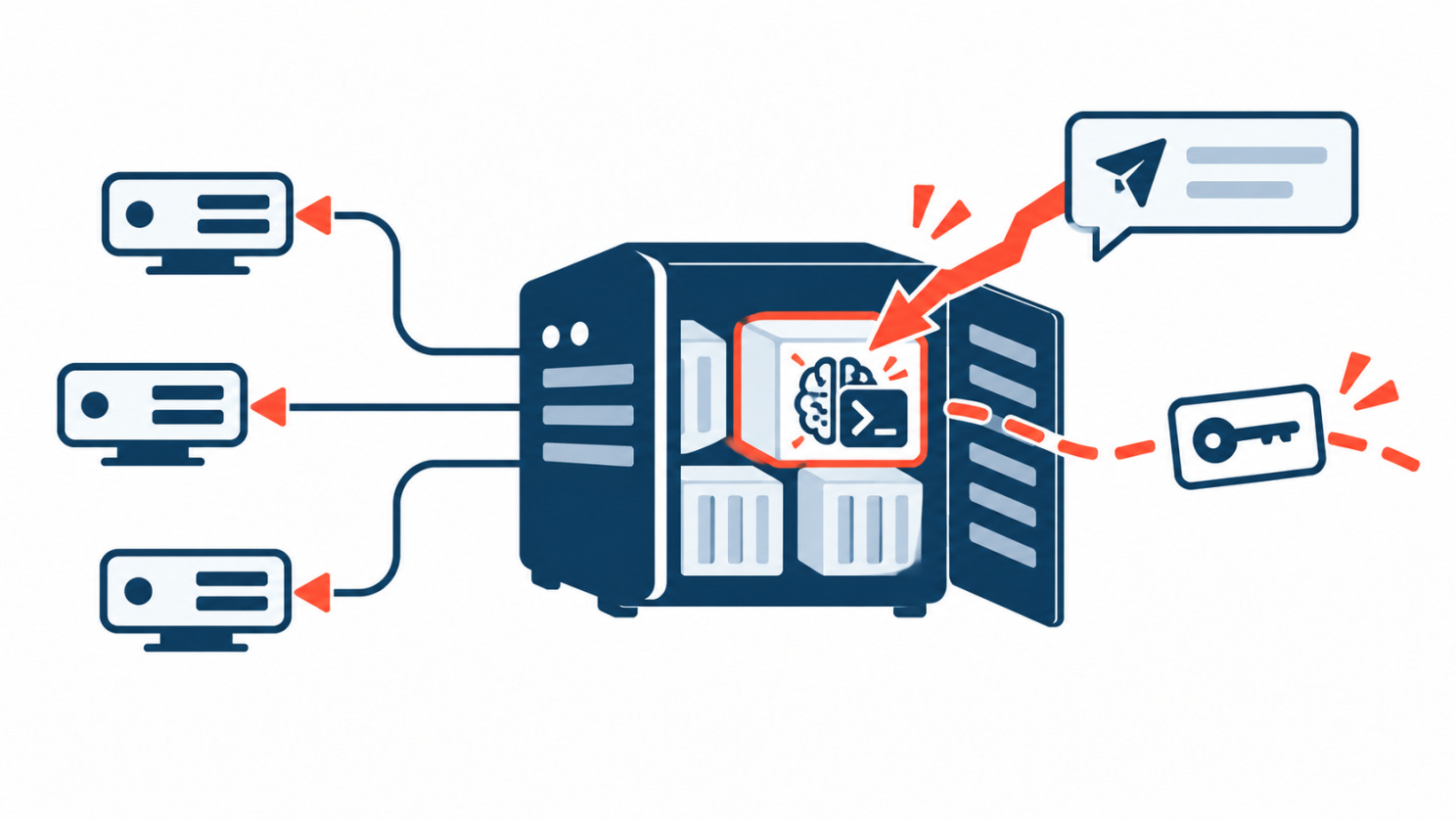
A botnet is putting an AI agent on the hosts it owns
On September 30, Singapore’s Cyber Security Agency warned about CARBONATO, a campaign going after Docker hosts that expose the Remote API to the internet with no authentication, usually on TCP port 2375.
When it finds one, the botnet uses Docker’s own API to start a privileged container with access to the host’s filesystem, processes and network. It sets up remote access, adds several layers of persistence and scans nearby networks every five minutes for more exposed Docker daemons.
It also installs Hermes Agent, an open-source agent framework. The attackers barely touch the framework itself. They swap its persona file for instructions telling it to take tasks over Telegram, run commands and collect credentials.
Why it matters: Hermes isn’t running the botnet. Ordinary scripts still handle the break-in, the persistence and the spreading. The agent arrives after the host is taken and gives the operators a flexible way to decide what to do next on each machine.
That’s what makes it worth watching. Nobody built autonomous malware here. They took an existing agent framework, bolted it onto a standard intrusion chain and changed one short text file. That’s much easier to copy than custom malware.
The instructions also put AI API keys at the top of the loot list, above SSH credentials, access tokens and databases. Stolen keys can pay for the attackers’ own automation, get them access to better models or open a way into a company’s internal AI services.
Blocking Hermes isn’t the answer, since plenty of people use it legitimately. Look for what surrounds it: unauthenticated Docker APIs, privileged containers nobody launched, Telegram traffic nobody can explain, modified persona files, and persistence that brings deleted containers back.
Singapore CSA advisory · ThreatDown analysis
🔎Section 02: Deep Dive
Million Military Records Exposed. What Were They Worth to Whoever Took Them?
Records, by the pound
On July 16, 2026, the Defense Manpower Data Center (DMDC) found a vulnerability in one of its file-sharing systems. It patched the system, brought it back online and sent out notification letters. Anyone affected was offered a year of credit monitoring and identity-restoration services.
On paper, that’s a standard breach response. Fix the flaw, tell the people involved, watch for fraud.
The letters, though, include a detail that makes this harder to file away. Every affected person had their Social Security number exposed, plus at least one other piece of information. That could be a name, date of birth, contact details, sex, race, or military personnel information, including occupational specialty.
So the question is whether this was just a big leak of personal data, or whether someone walked away with a useful list for identifying and targeting military personnel. We can’t answer that yet. But we can look at what this data is, how similar data has been used before, and whether the response is aimed at the right risk.
What we know, and what we don’t
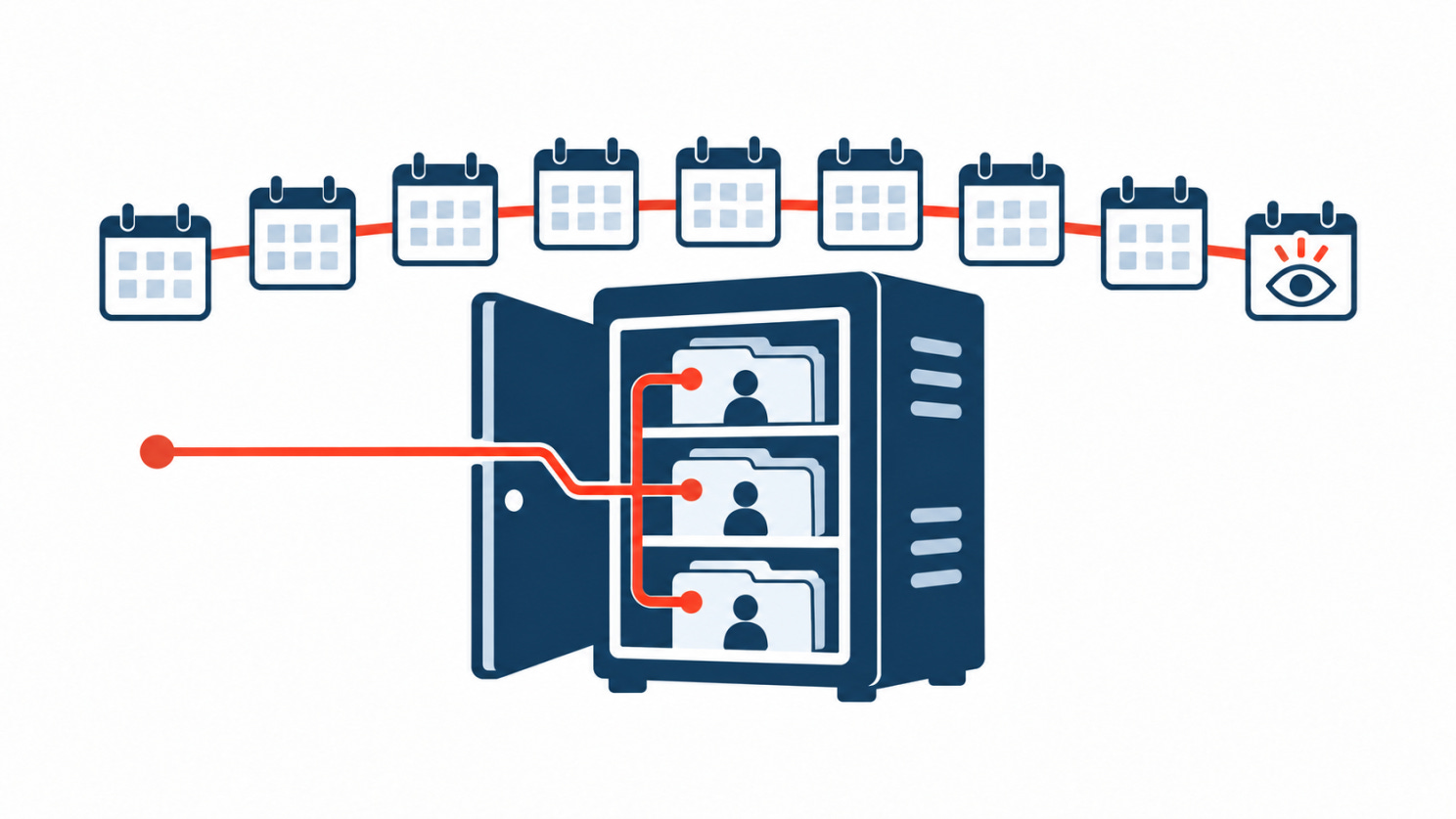
DMDC isn’t a minor office. It runs identity verification for Defense Department ID card holders and holds records on more than 60 million people: service members, veterans, civilians, contractors and their families. If you’ve ever had a military ID, your record is almost certainly there.
This breach affected more than 3 million of them: about 2.76 million living and 294,000 deceased.
According to the notice, a “small number of unauthorized users” had access to the server from October 2025 until the flaw was found in July 2026, roughly nine months. The personal information on it was unencrypted. The letters are dated September 18, about nine weeks after discovery.
We don’t know much about what happened in those nine months. The department hasn’t said who the intruders were, how much data they accessed, or whether the affected people have anything in common. It hasn’t named the file-sharing system either. It says there’s currently no sign that anyone’s information has been misused.
Having access doesn’t mean every record was downloaded, and military details in the data don’t prove espionage. Calling this an intelligence operation would go beyond the evidence. But treating it as ordinary identity theft might be jumping to conclusions too.
Nine months is a long time to go unnoticed
For context, Mandiant’s M-Trends 2026 report puts the global median dwell time, meaning the time between an intrusion and its discovery, at 14 days. Most attackers are found, or announce themselves with ransomware, within a couple of weeks.
The ones who stay much longer tend to be the ones who don’t want to be noticed. In the same report, espionage cases and North Korean IT worker operations had a median dwell time of 122 days. The DMDC access lasted about twice that.
That doesn’t tell us who was inside. Plenty of long intrusions come down to weak monitoring, and a quiet intruder doesn’t have to be a state actor. But it does rule out the loud, smash-and-grab version of this story. Nobody posted the data or demanded a ransom. Whoever had access either didn’t take much, or took it without drawing attention for most of a year.
It also says something about monitoring. A server holding unencrypted SSNs for millions of people was open to outsiders for nine months before anyone caught it. That’s a problem no matter who turns out to have been inside.
File-sharing systems keep showing up in breaches like this
We don’t know which product DMDC was using. But file-sharing and file-transfer systems have been one of the most reliable targets of the past five years.
The Cl0p group alone went after Accellion FTA in 2020 and 2021, GoAnywhere in early 2023, MOVEit later that year and Cleo in 2024. The MOVEit campaign by itself hit more than 2,600 organizations and exposed data on tens of millions of people, many of them through government agencies and their contractors.
These systems exist to move bulk data between organizations, so they tend to hold the files attackers want: exports, reports and spreadsheets full of records, often sitting there longer than anyone intended. They’re usually reachable from the internet so partners can use them. And they often get less attention than core systems, because people see them as plumbing rather than as a database.
For security teams, the takeaway is that a file-sharing system holding personal data should be treated like the database the data came from, with the same monitoring and the same retention rules.
What were the records actually worth?
So what does a dataset like this actually buy an attacker?
In 2023, researchers at Duke University bought data on U.S. service members from data brokers. They got names, home addresses, net worth, religion, health conditions and information about children, for between $0.12 and $0.32 per person. Some brokers suggested the price could drop to a cent per record at larger volumes. Several did little or no checking on who was buying.
So a list of military personnel, on its own, is already cheap and legal to get. If someone sat inside a DoD system for nine months, a list of names isn’t what made it worth the effort.
The value is in two things brokers can’t reliably sell. The first is the Social Security number, which every record in this breach had and which opens the door to both fraud and convincing impersonation. The second is accuracy. Broker data is scraped, inferred and often wrong. A DMDC record is the Defense Department’s own record of who you are and what you do. When it lists an occupational specialty, that isn’t a guess based on someone’s LinkedIn profile.
Combine those with contact details and you get something close to a targeting file: who the person is, what they do, how to reach them, and enough personal detail to sound legitimate when you do.
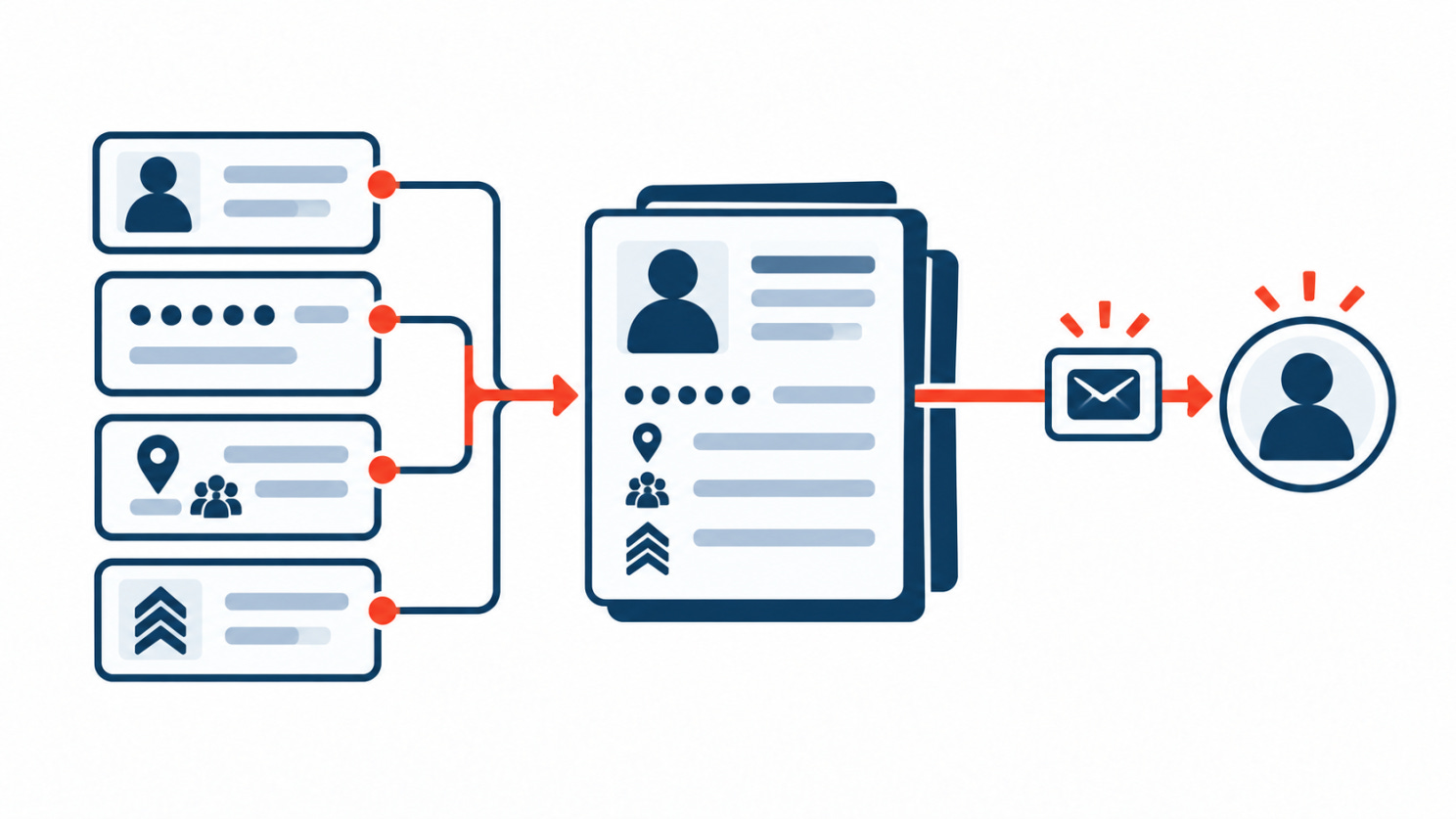
Not every record had that much context. The department says the data varied by person, and it hasn’t said how many records included occupational details. That number matters a lot. A few hundred records with job information is a very different situation from a few million. But even a small group can be valuable if it’s the right group.
This is how that kind of data gets used
Going after service members with personal, tailored approaches isn’t a theory. There are well-documented cases.
In 2018, the Israeli military uncovered what it called Operation Broken Heart. Hamas operatives used fake profiles on Facebook and WhatsApp to approach soldiers and get them to install dating and World Cup apps. The apps were spyware that could take photos, record conversations, copy files and track location. About 100 soldiers installed them.
Closer to home, in June 2026 the Justice Department and FBI took down 13 websites allegedly run by suspected Chinese agents. The sites posed as consulting firms and recruited current and former U.S. government and military employees, especially clearance holders, through ordinary job platforms. They used stolen identities and AI-generated photos, and pushed recruits to share “insider” information for payment.
Neither case involved a breach like this one. Both used the same method: find people in the right roles, then reach them with a message that fits their situation. The hardest part of that method is knowing who to approach. A dataset that ties names and contact details to military occupations makes that part a lot easier.
Now picture a message that seems to come from a personnel office or a benefits provider. It mentions your specialty and quotes the last four digits of your SSN “for verification.” It wouldn’t fool everyone. It would fool far more people than a generic phishing email, and the sender wouldn’t have to guess who you are.
The 294,000 people nobody is watching
One number in this breach gets less attention than it should: the 294,000 deceased individuals.
Credit monitoring only helps if someone reads the alerts. For a person who has died, often nobody does. Their SSN may still pass basic checks, and fraud in their name can go on for a long time before anyone notices. That’s exactly why the identities of dead people are a popular tool for fraudsters, either used directly or mixed with made-up details to build a new “synthetic” identity.
There’s a second angle. A deceased service member’s record still describes a real career and real family members, which makes it useful for scams aimed at surviving relatives, like fake survivor-benefit offers.
The letters about these records presumably go to families, who may not realize they’re the ones who need to act.
This data doesn’t expire
A stolen card can be canceled and a leaked password can be changed. Personal history is different.
Your date of birth won’t change, and your SSN almost certainly won’t either. Your military service, specialty and working relationships stay relevant for years after the leaky system has been fixed. The vulnerability was open for nine months, but the data could stay useful for decades.
Nobody has to use it right away, either. Records like these can be matched later against broker data, public profiles and older breaches, and each new source makes the picture sharper. The Duke study shows how cheap that extra layer is. A verified SSN and occupation from an official record, combined with a broker’s home address and family details, is worth a lot more than either one alone.
What OPM taught us, and where the comparison stops
The 2015 breach of the U.S. Office of Personnel Management is the obvious reference point. It affected about 21.5 million people and exposed security-clearance investigation files, some of the most sensitive personnel data the government holds. A House Oversight Committee report later said it jeopardized U.S. national security “for more than a generation.”
The DMDC incident isn’t at that level. There’s no public evidence that clearance files or background investigations were involved, and nobody has attributed the intrusion to a foreign government, a criminal group or an insider.
The useful lesson from OPM is a simpler one: how serious a breach is depends on what the records say about the people in them. Names and SSNs are one kind of problem. Names and SSNs linked to military roles are another, and the response should deal with both.
Does the response fit the risk?
A year of credit monitoring can catch some financial misuse. It won’t do much against a targeted phishing campaign, a convincing impersonation or someone quietly building a profile on a service member.
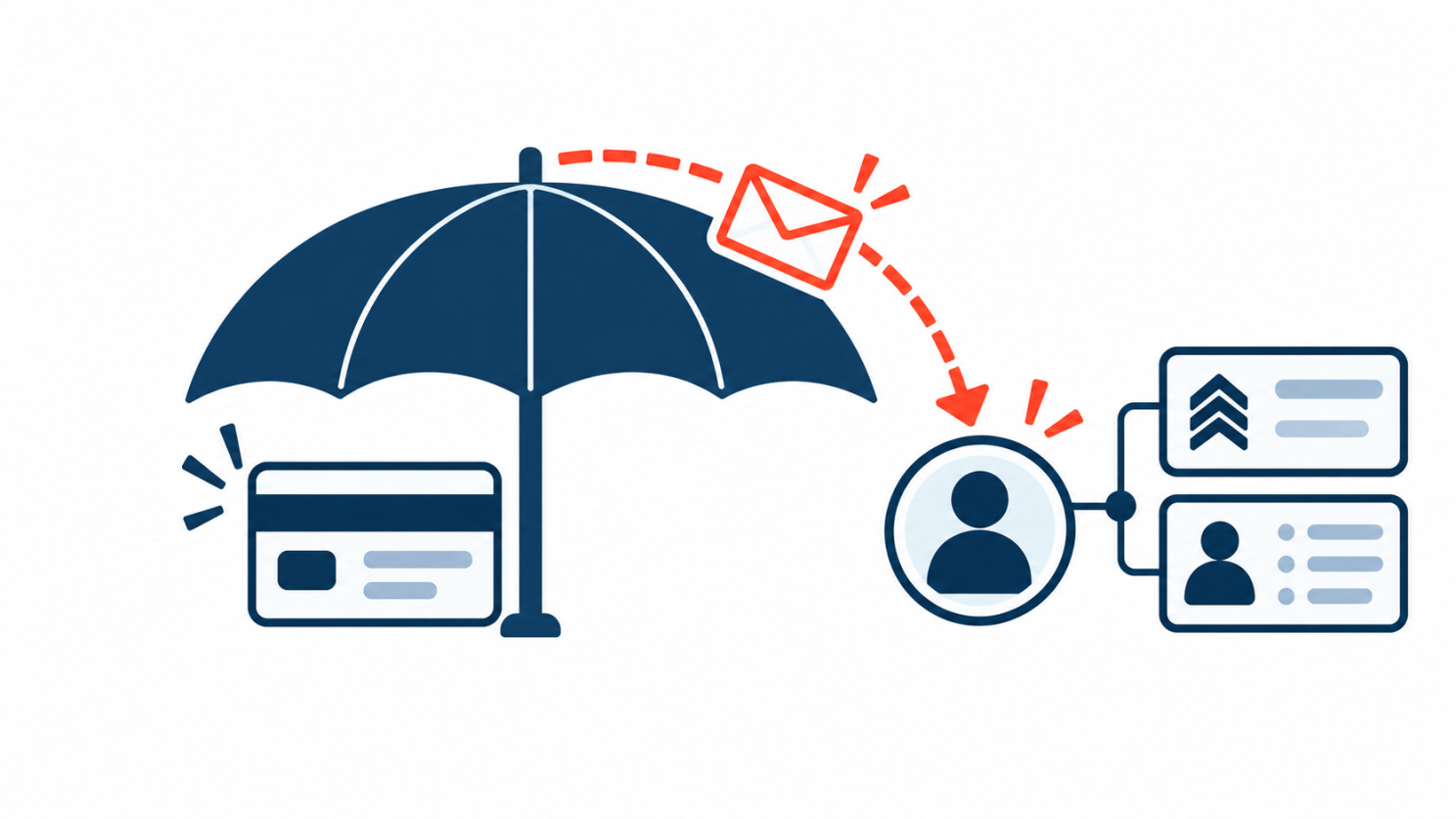
The U.S. Government Accountability Office has already pointed out that identity-monitoring services have real limits and that it’s unclear how well they reduce identity theft. Monitoring tells you something happened. It doesn’t stop it from happening. After the OPM breaches, affected people were eventually given ten years of coverage.
That doesn’t mean one year is automatically too short here. The public notice may not cover everything the department is doing, and the right response depends on what investigators find. But what we can see is built mostly around financial fraud, and it’s passive. It waits for something to go wrong.
If you got one of these letters, a few free steps do more than monitoring alone:
Freeze your credit with Equifax, Experian and TransUnion. It’s free and blocks new accounts from being opened in your name. The FTC explains how.
Get an IRS Identity Protection PIN. It stops someone else from filing a tax return with your SSN.
Be suspicious of any unexpected contact about your service, benefits or records, especially if it knows details about you. Hang up and call back on a number you looked up yourself.
If the letter was about a family member who has died, notify the three credit bureaus and ask them to flag the file so no new credit can be issued.
The last two are where the official response is thinnest. People whose job details may have been exposed need specific warnings about approaches that use their role, not just a credit monitoring code.
What security teams should take from this
Counting records isn’t enough to judge a breach. Before deciding on a response, it’s worth asking:
Which fields showed up together, and what can someone do with that combination?
Which of them can never be changed?
Is the data accurate enough to make a scam more believable?
Are some groups, like people in sensitive roles or deceased individuals, more exposed than others?
Does the protection on offer match how the data could actually be used?
And before there’s a breach at all:
Know which internet-facing systems hold personal data, including the file-sharing and transfer tools nobody thinks of as databases.
Don’t leave bulk exports sitting in shared systems once the transfer is done.
Watch access to those systems as closely as the source database. Nine months of undetected access is a monitoring failure as much as a patching one.
What we still need to find out
Nothing confirmed so far points to an espionage campaign.
What we do know is that unauthorized users had access to a Defense Department system for about nine months, that more than 3 million people were affected, and that some of the records linked Social Security numbers to military jobs.
The rest is still missing. We don’t know who got in, which records they looked at, what they took or what they meant to do with it.
This could turn out to be a very large leak of personal data, handled reasonably as an identity-theft problem. Or investigators could find that what made it valuable was the link between those identities and military roles, which is the one thing a data broker can’t sell you for 12 cents.
The flaw is fixed. The harder part is figuring out what left the system before anyone noticed, and whether a year of credit monitoring actually protects people from the risk that matters most.
🎣Section 03: Is It a Phish ?
Offers, to your taste
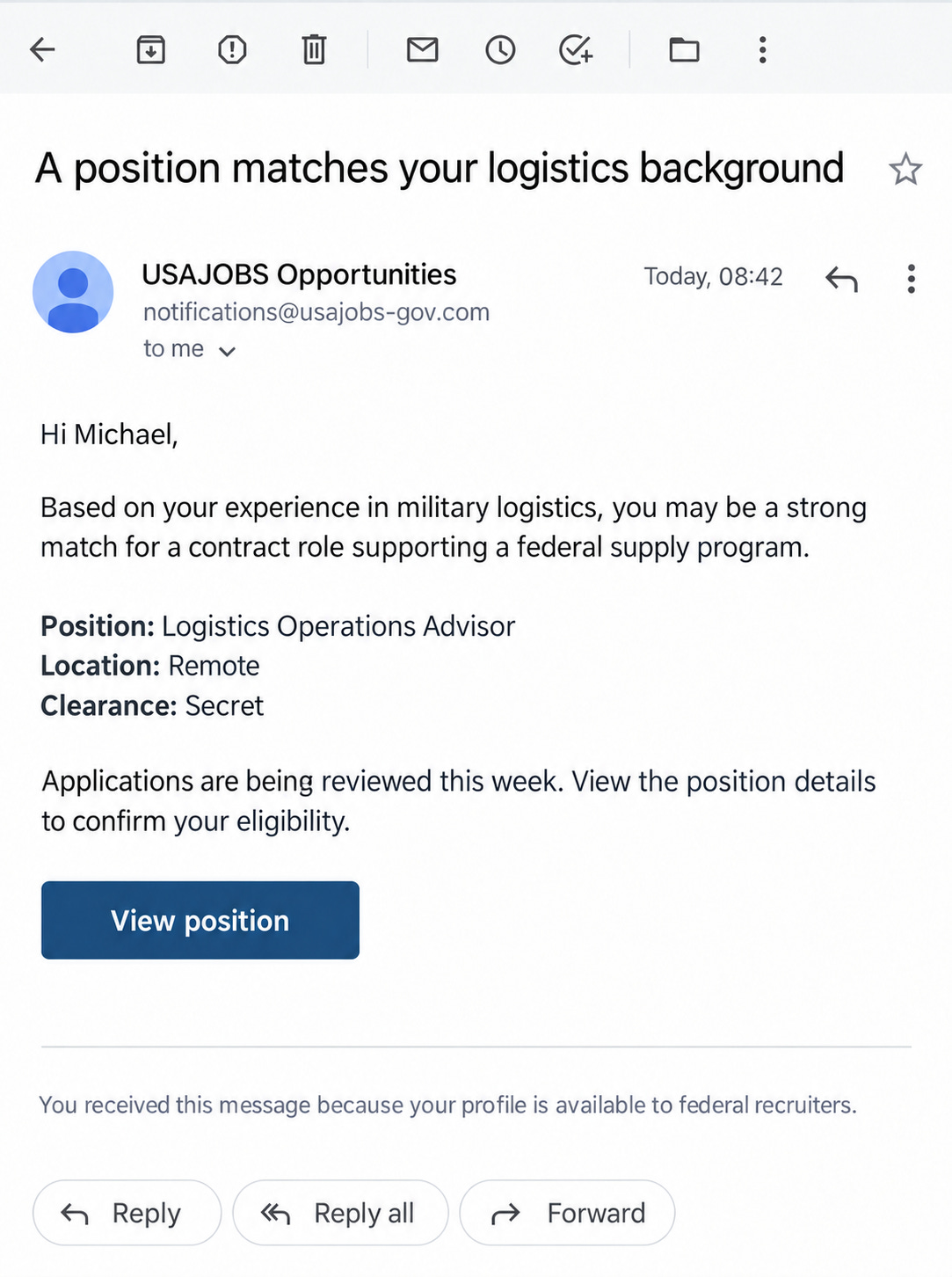
A recruiter emails you about a role that matches your exact background. The company is real, the job makes sense, and the message is polished and friendly. They just need you to confirm a few details and open the attached job description.
Is it a phish?
🎣 Yes
✅ No
🔬Section 04: Technical Research
The Login Page Redirected You. It Also Sent You the Admin Panel.
Admin, on the side
Ask a file-sharing server for its admin page without logging in, and it redirects you to the login screen. That’s what you’d expect. But look at the response itself and the full admin panel is in there too, more than ten thousand characters of it, sitting in the body under the redirect.
That was the starting point of a pre-auth remote code execution chain that watchTowr found in the Progress ShareFile Storage Zone Controller, tracked as CVE-2026-2699 and CVE-2026-2701. ShareFile comes from Progress, the same vendor as MOVEit. At disclosure, roughly 30,000 of these controllers were reachable from the public internet.
It ties in with this issue’s deep dive, which is about a file-sharing system at the Defense Manpower Data Center that let outsiders in for nine months. Here we look at how one of these servers can hand over that kind of access, and why the first bug in the chain is easy to make and easy to miss.
What the Storage Zone Controller is
ShareFile is a SaaS product, but not everyone wants their files sitting in the vendor’s cloud. The Storage Zone Controller is the on-premises piece that lets an organization keep the files on its own infrastructure, a local disk, an SMB share, SharePoint, S3 or Azure, while still using ShareFile’s hosted management interface.
So by design it’s a box that:
Sits at the edge, reachable so the SaaS side and users can talk to it.
Has direct access to where the files actually live.
Runs on IIS. On the 5.x branch it’s classic ASP.NET.
That’s the kind of system attackers like. It’s on the internet, it’s close to a lot of data, and it tends to get less attention than the systems around it.
Bug one: the redirect that didn’t stop
The authentication check on the admin configuration page did the obvious thing. If you weren’t authenticated, it called a redirect to send you to the login page.
The problem is how it called it. In ASP.NET, Response.Redirect(url, false) queues a redirect but tells the framework not to end the request. The redirect header goes out, and then the rest of the page keeps running: it renders, and the HTML gets written into the same response.
This is a known and named class of bug, Execution After Redirect, sometimes shortened to EAR. The developer’s mental model is “redirect, therefore stop.” The code sends the redirect and carries on.
Exploiting it is just as simple. The server returns a 302 pointing at the login page, with the entire admin panel in the body. Ignore the redirect, read the body, and you’re looking at an interface you were never supposed to reach without credentials.
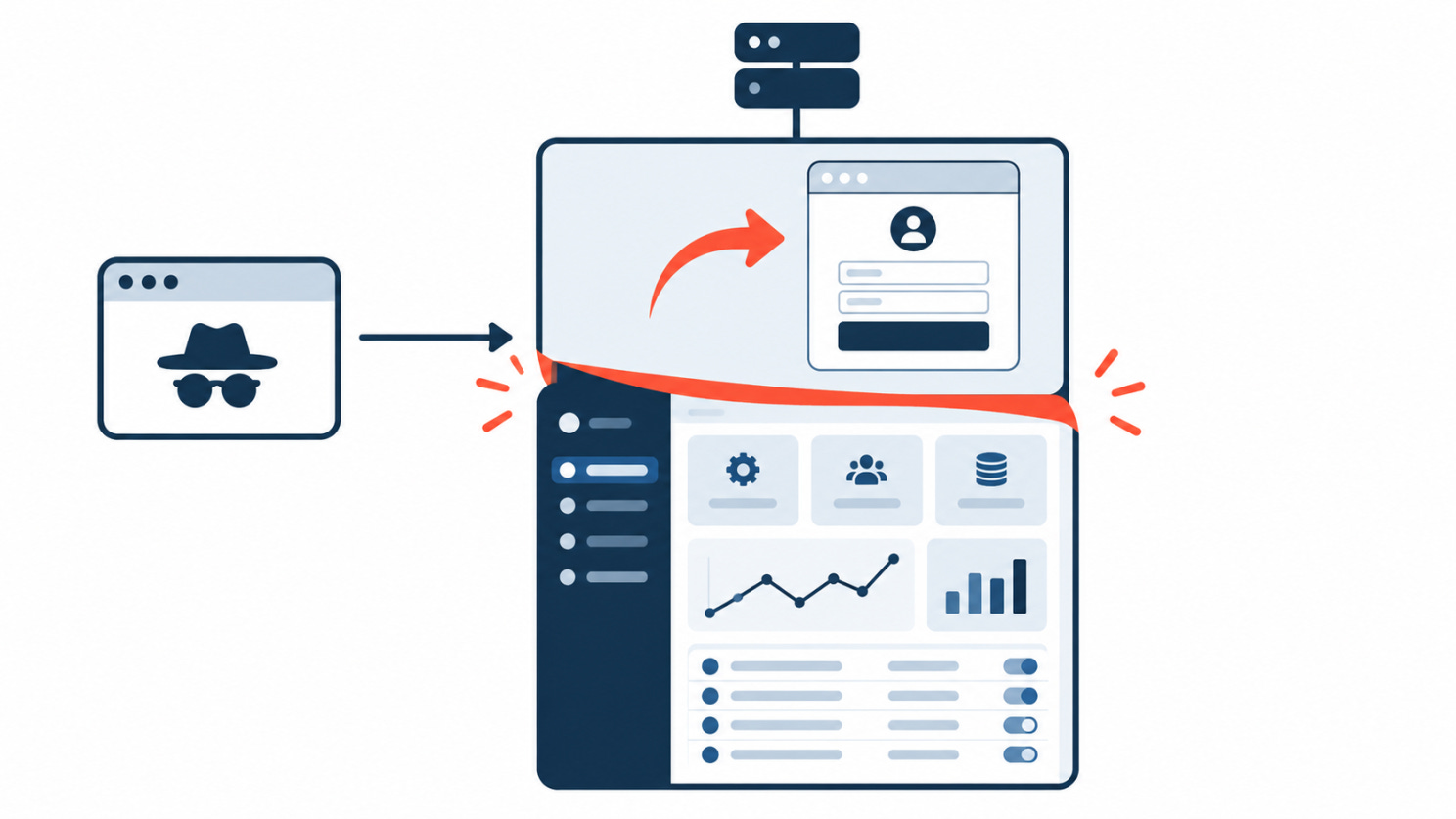
That’s CVE-2026-2699, rated 9.8. It needs no password, no token and no account.
The admin panel was the real prize
Reaching the config page unauthenticated is bad on its own. What made it a full compromise is what the page lets you change.
The zone configuration controls things like where the storage repository lives and the passphrase tied to the zone. Two details turned “I can see settings” into “I control the box”:
When an attacker edits these fields, the interface repopulates the passphrase field for them. They don’t need to know the existing secret to make a change stick.
The routine that checks a new storage location only verifies that the server can write and delete a test file there. It doesn’t restrict where “there” is. As watchTowr put it, you can point the storage location anywhere the application can write, and validation still passes.
Anywhere the application can write includes the web root, and that’s where the two bugs connect. If you can change where the server stores uploaded files, and it accepts a directory it also serves web pages from, your uploads end up next to its code.
Bug two: upload, then unzip, into a folder the server executes
The controller has an upload endpoint, which is exactly what a file-sharing box is for. It also has an option to unzip an uploaded archive on arrival.
Extraction preserved the file extensions inside the archive. So an archive containing a .aspx file extracted as a .aspx file, not a renamed, inert blob.
Put the pieces in order and the outcome follows:
Use bug one to reach the admin panel with no login.
Point the storage location at a directory under the web root, which validation allows.
Upload an archive containing an ASPX file and have the server extract it in place.
The extracted file lands somewhere IIS will execute, and request it.
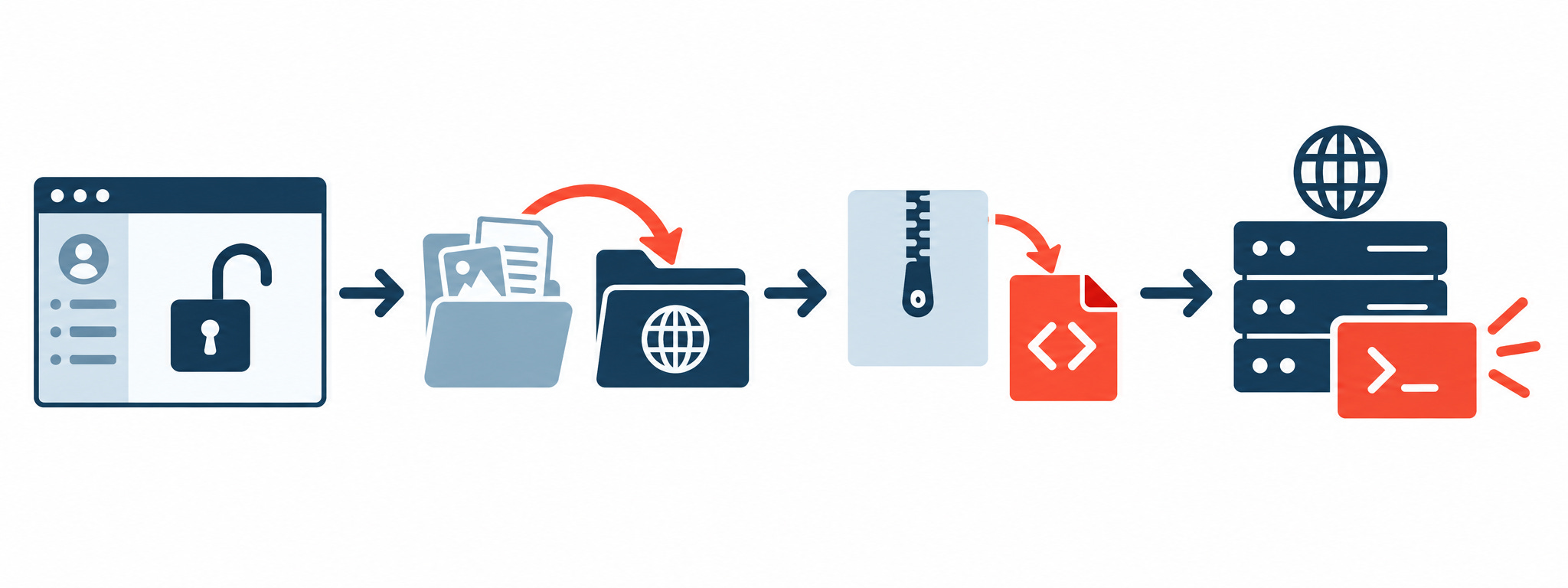
An ASPX file the server executes on request is server-side code running as the web application. That’s remote code execution, and that’s CVE-2026-2701, rated 9.1. The upload path did involve the zone’s signing secret, but by that point the attacker controlled the passphrase the secret is derived from, so that check protected nothing.
We’re describing how the chain works, not publishing a recipe. The pattern is what matters: a feature that keeps file extensions, pointed at a directory that also serves code.
Why this keeps happening to file-sharing servers
watchTowr put it well in their write-up: squint at CISA’s Known Exploited Vulnerabilities catalog and you might think it’s made up almost entirely of file transfer products. MOVEit, GoAnywhere, Accellion, Cleo, and now ShareFile.
That isn’t bad luck. It comes from what these systems are built to do:
These systems exist to accept files from outside. Upload and extraction aren’t edge cases bolted on later. They’re the product.
They have to be reachable. Partners and remote users need to get to them, so they sit on the internet by default.
They sit next to the data. A gateway with direct access to file stores turns a single RCE into access to everything behind it.
They get treated as appliances. People patch the systems they think of as important. A file-transfer box often isn’t on that list until it’s in the KEV catalog.
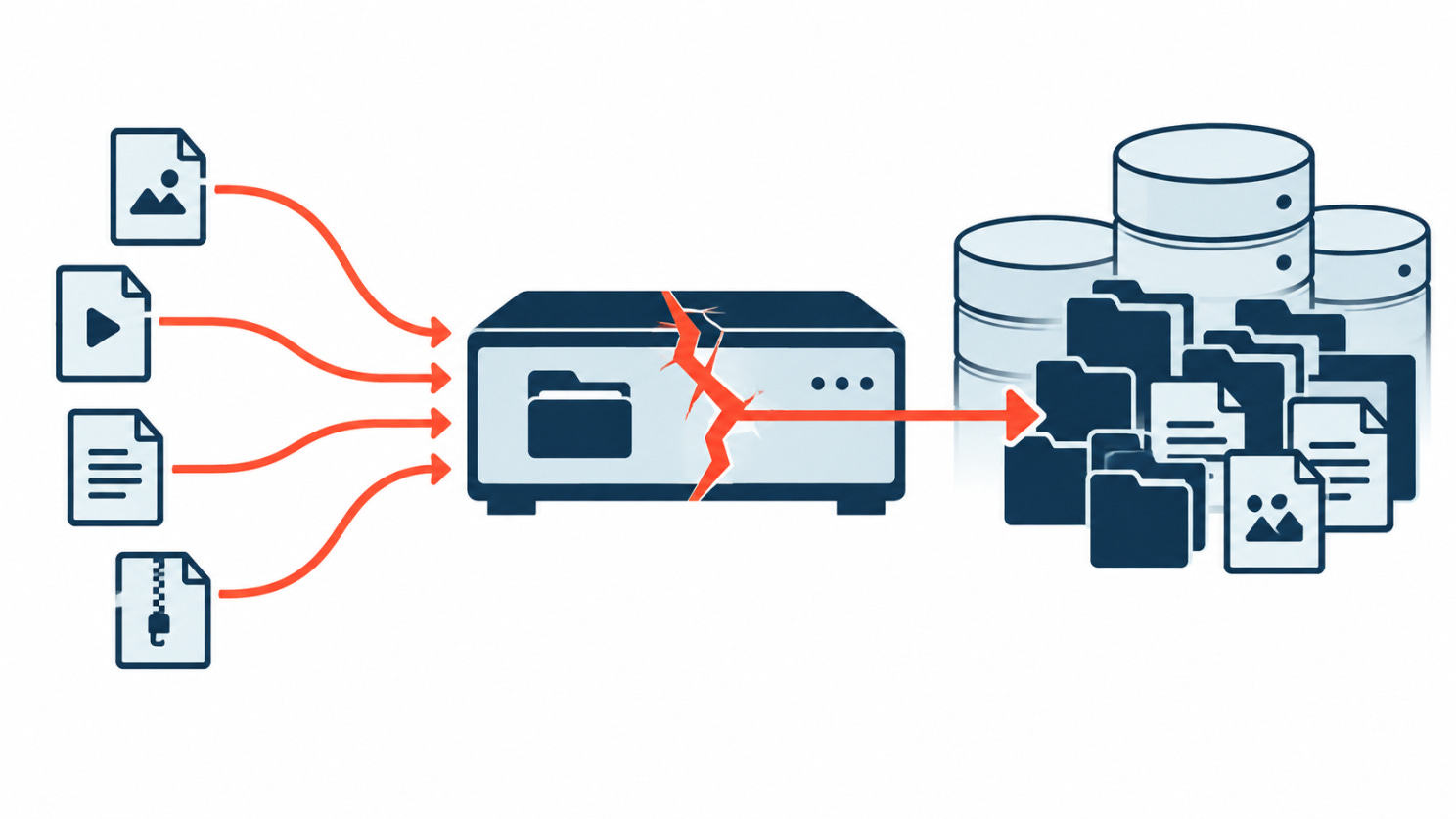
We don’t know how the intruders got into the DMDC system. This chain shows how little it can take: a redirect that didn’t stop the page, and an unzip that kept the file extension.
What to take from it
Execution After Redirect is a real bug class, not a style nit. A redirect in the code is not a guarantee the code stopped. In ASP.NET, Response.Redirect(url, true) ends the request; the false variant keeps going and needs an explicit return. Anywhere an auth check ends in a redirect, confirm nothing sensitive renders afterward. Test it by ignoring the redirect and reading the body.
“Can I write here?” is not “should I write here?” Validating a storage path by writing a test file checks permission, not safety. Upload and extraction targets need an allowlist that can never resolve into a web-served or executable directory.
Never trust extensions coming out of an archive. Extraction that preserves attacker-chosen extensions into a reachable folder is how a lot of upload features become RCE. Store uploads outside the web root, and serve them through code that sets the type, rather than letting the server execute whatever lands there.
Know where your file-transfer systems are. If you run ShareFile Storage Zone Controller on the 5.x branch, the fix is 5.12.4 (or moving to a supported 6.x release). More broadly, a file-transfer box nobody owns is the one most likely to be missed when a patch comes out.
🛠️Section 05: Tool of the Week
Have I Been Pwned
Breaches, on the bill
When a big breach is in the news, most people’s first question is a simple one: has my email address turned up in a breach I never heard about?
Have I Been Pwned answers that. Type in an address and it tells you which known breaches it appeared in, and what each one leaked: passwords, phone numbers, dates of birth, and so on.
That makes it a fast sanity check after a breach hits the news, and a nudge that an old password you forgot about might still be guarding an account you care about.
Start with your own address. Enter an email on the HIBP homepage. If it comes back in a breach, read what was exposed. Change any password you reused somewhere else, turn on multifactor authentication where you can, and be wary of messages that lean on details from that breach to sound legitimate. You can also sign up for notifications, and HIBP will email you when your address shows up in something new.
It works for a whole domain too. This isn’t just a consumer tool. An organization can verify that it controls a domain and then watch the whole thing from HIBP’s dashboard, seeing which addresses on that domain have appeared in known breaches. For a security team, that’s a way to spot who might need a password reset or a phishing warning during an incident. It also turns up old addresses and forgotten accounts that stayed in use much longer than anyone realized.
Know what it won’t tell you. HIBP only knows about breaches that have surfaced and been loaded into it, so it isn’t a complete map of every exposure. It searches email addresses, not Social Security numbers, so a clean result doesn’t mean your personal data is safe. The DMDC records in the deep dive, for instance, wouldn’t show up here at all. And it can’t tell you whether a message in your inbox right now is part of a live phishing campaign. Treat a hit as a starting point: check the affected account, replace any reused passwords, and stay suspicious of anything that quotes your details back to you.
👏Section 06: Person of the Week
Troy Hunt
Keeper of the crumbs
This week we’re highlighting Troy Hunt, an Australian web security researcher and the creator of Have I Been Pwned.
Hunt launched the service in 2013 as a simple way for people to check whether their email address had turned up in a data breach. Today Mozilla Monitor is built on its data, and national governments use it to keep an eye on their own domains.
His real contribution is making breach information something people can act on. Instead of a headline that fades in a few days, Have I Been Pwned lets anyone check their own exposure and get a heads-up when new incidents are added.
That matters for stories like this issue’s deep dive, where exposed data stays useful long after the hole is patched. For making breach information easier to understand and act on, Troy Hunt is our Person of the Week.
📅Section 07: Event of the Week
Octopus, in France
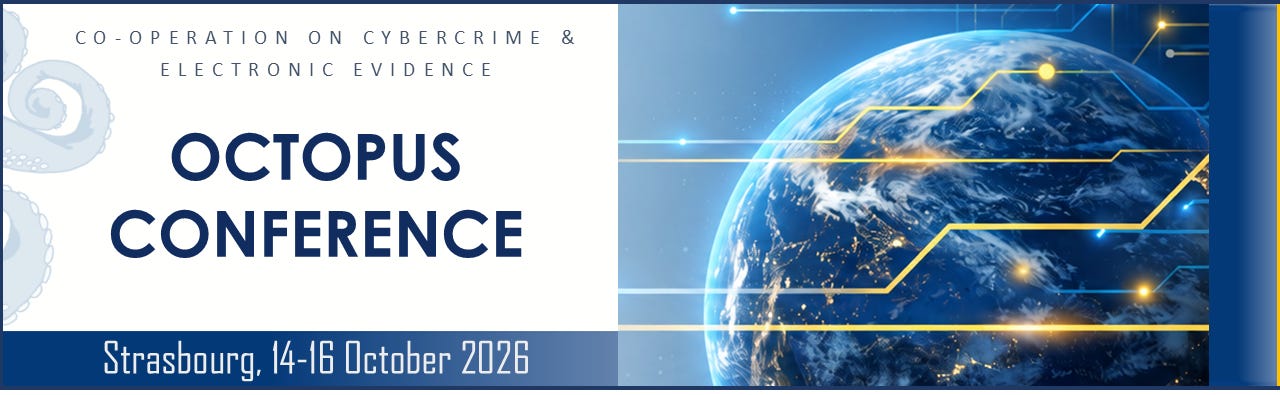
The Octopus Conference 2026 brings together policymakers, law-enforcement agencies, researchers, civil-society groups, and technology professionals who work on cybercrime.
It’s run by the Council of Europe and this year marks the 25th anniversary of the Budapest Convention on Cybercrime. The agenda covers AI and cybercrime, disinformation, cyber-enabled international crime, and the safeguards investigators need when they work with digital evidence.
A lot of what happens after a breach like DMDC’s isn’t technical: who investigates, who gets blamed, how evidence moves across borders, and what happens to people’s data afterward. Those are the questions this conference is built around.
📍 Palais de l’Europe, Strasbourg, France 📅 October 14-16, 2026
📚Section 08: Book of the Week
Kingpin, in the back
This issue keeps asking what stolen personal data is worth. Kingpin answers from the other side of the deal.
Kingpin: How One Hacker Took Over the Billion-Dollar Cybercrime Underground by Kevin Poulsen follows Max Butler, who didn’t just steal card numbers and identities but took over the markets where they were traded. Poulsen traces how a stolen record moves from a breached system into a real criminal economy of forums, vendors, and cash-out crews, the part a breach notification never describes.
Long before ShinyHunters and today’s data-extortion crews, the model was the same: break in, take the data, let a market turn it into money. ShinyHunters runs a version of the same business today.
For why stolen identity data holds its value for years, Kingpin is a good place to start.

😅Section 09: The Meme
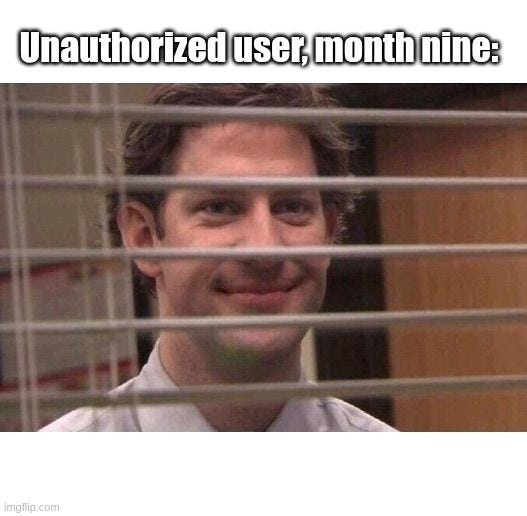
If a file server at your organization sat quietly exposed for nine months, would anything in your monitoring tell you before a notification letter did?
That’s it for this issue. Check your file servers, freeze your credit, and we’ll see you next issue.
The Breach Brief, Ostorlab Team