
AI Pentest Upgrades, ServiceNow Integration, Redesigned Email Notifications, and Enhanced Platform Controls
This release delivers major advancements across the Ostorlab platform, including a significant upgrade to AI Pentest, enhanced web and mobile automation, a full-featured ServiceNow integration, redesigned email notifications, improved threat intelligence capabilities, and comprehensive access control enhancements with role and owner-based permissions.
🚀 AI Pentest & Automation
- Enhanced Browser Automation: Integrated the official Chrome DevTools engine to greatly improve the reliability of web application testing, particularly for complex authentication flows involving iframes.
- OTP Support for Authenticated Scans: AI agents can now read SMS messages from test devices, enabling automated handling of One-Time Passwords (OTPs) for 2FA-protected applications.
- More Reliable Mobile Testing:
- Replaced legacy device interaction methods with a new, more robust service for preparing and cleaning up mobile devices during dynamic analysis.
- Improved screenshot capabilities for iOS 18+, enhanced browser automation error recovery, and added better retry logic for device allocation.
- Advanced iOS Static Analysis: The AI agent can now perform deep static analysis on iOS (IPA) files without requiring a physical device, including inspecting package contents, parsing
Info.plistfiles, and analyzing entitlements. - Improved iOS Static Analysis Output: Enhanced formatting and clarity of iOS static analysis results within the UI.
- AI-Powered iOS App Customization: Leveraging AI to dynamically customize and build temporary iOS applications, enabling highly targeted test cases beyond standard app behavior.
- Cleaner Vulnerability Reports: Refactored how validation evidence is stored and displayed, eliminating duplicated content and producing more concise, readable AI Pentest reports.
🔌 New Integration: ServiceNow
We are excited to introduce a full-featured ServiceNow integration that enables seamless synchronization of vulnerabilities from Ostorlab into ServiceNow as incidents.
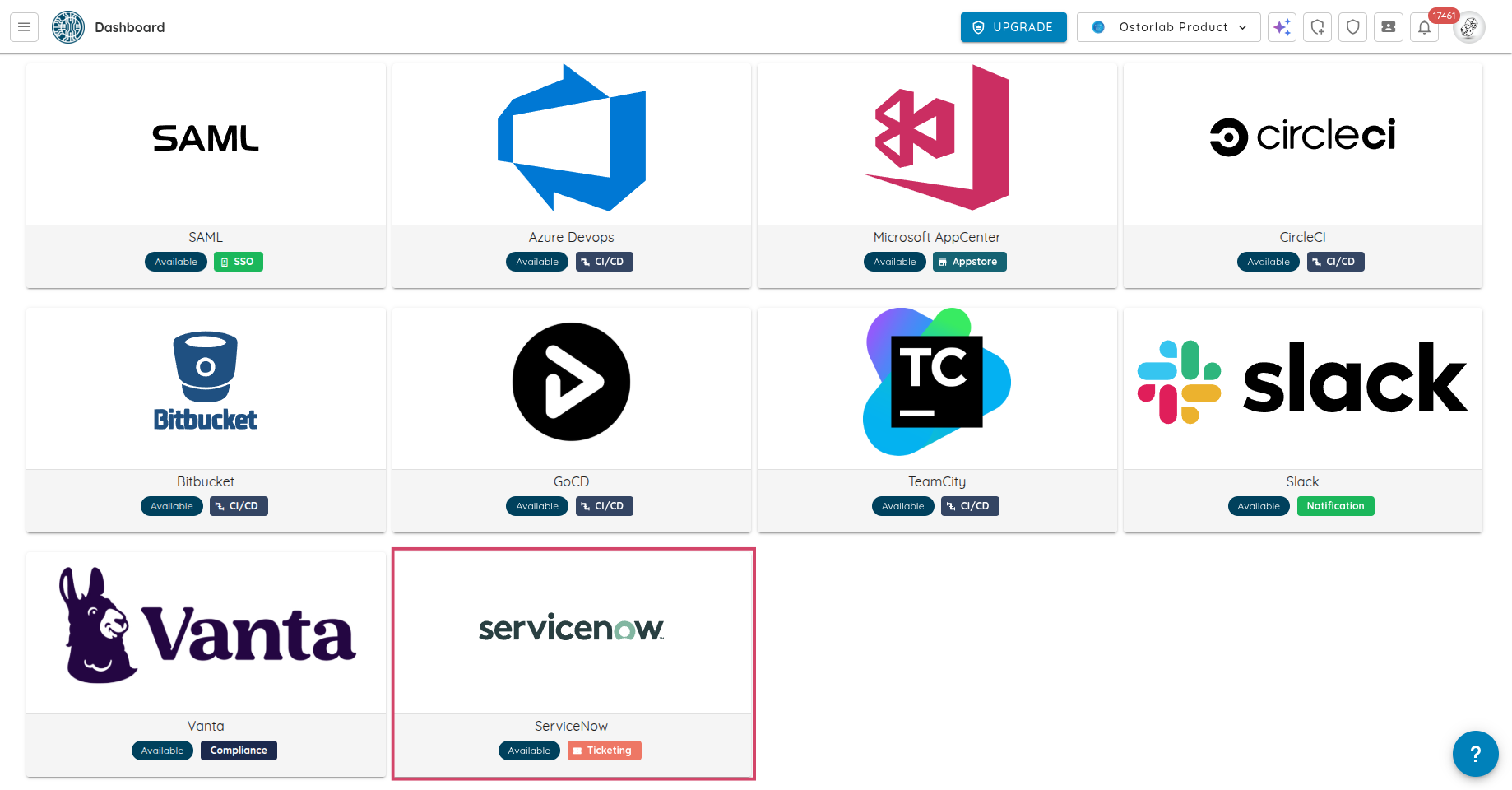
- Automated Incident Creation: Automatically create, update, and sync tickets between Ostorlab and ServiceNow.
- Flexible Field Mapping: Customize mappings using direct field mapping, fixed values, or dynamic templates (e.g.,
{{title}} - {{risk_rating}}). - Multi-Configuration Support: Configure and manage multiple ServiceNow integrations simultaneously, supporting different tables or instances per organization.
- Full Authentication Support: Supports both Basic Authentication and OAuth 2.0 for secure and flexible connectivity.
✉️ Redesigned Email Notifications
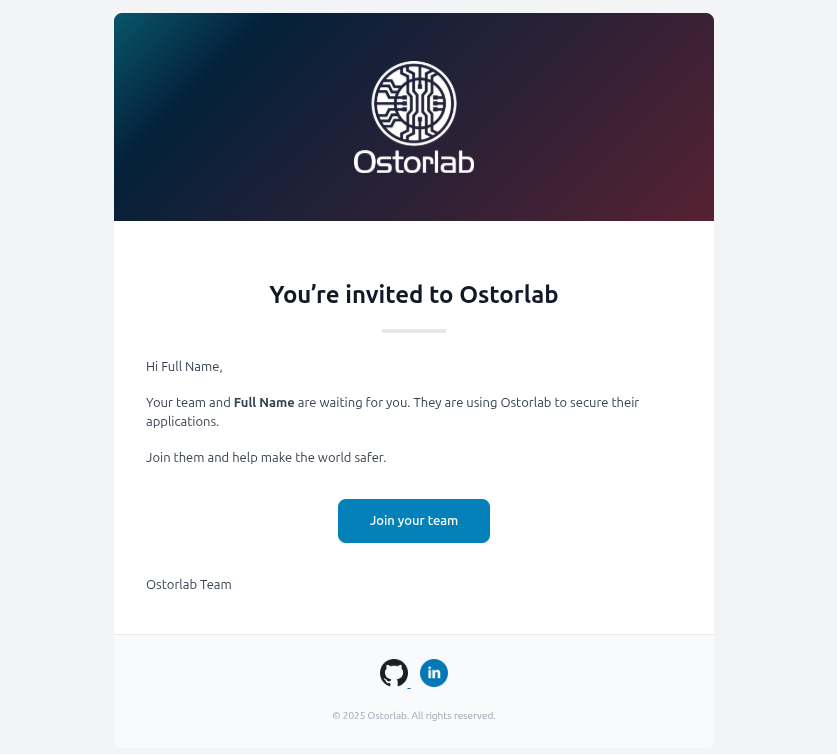
- Complete Visual Overhaul: All platform email notifications have been redesigned with a modern, clean, and consistent look, including welcome emails, scan status updates, ticket assignments, and security alerts.
- Improved Readability and Layout: Enhanced layouts with corrected formatting and icons that render correctly across all major email clients, making emails easier to read and act upon.
🧩 Owner-Based Access Control (Owner-Based RBAC)
We introduce Owner-Based RBAC, a new access control model designed for organizations with multiple teams working within the same Ostorlab environment. It adds a team-based access layer on top of existing roles, enabling precise visibility and permission boundaries without increasing management complexity.
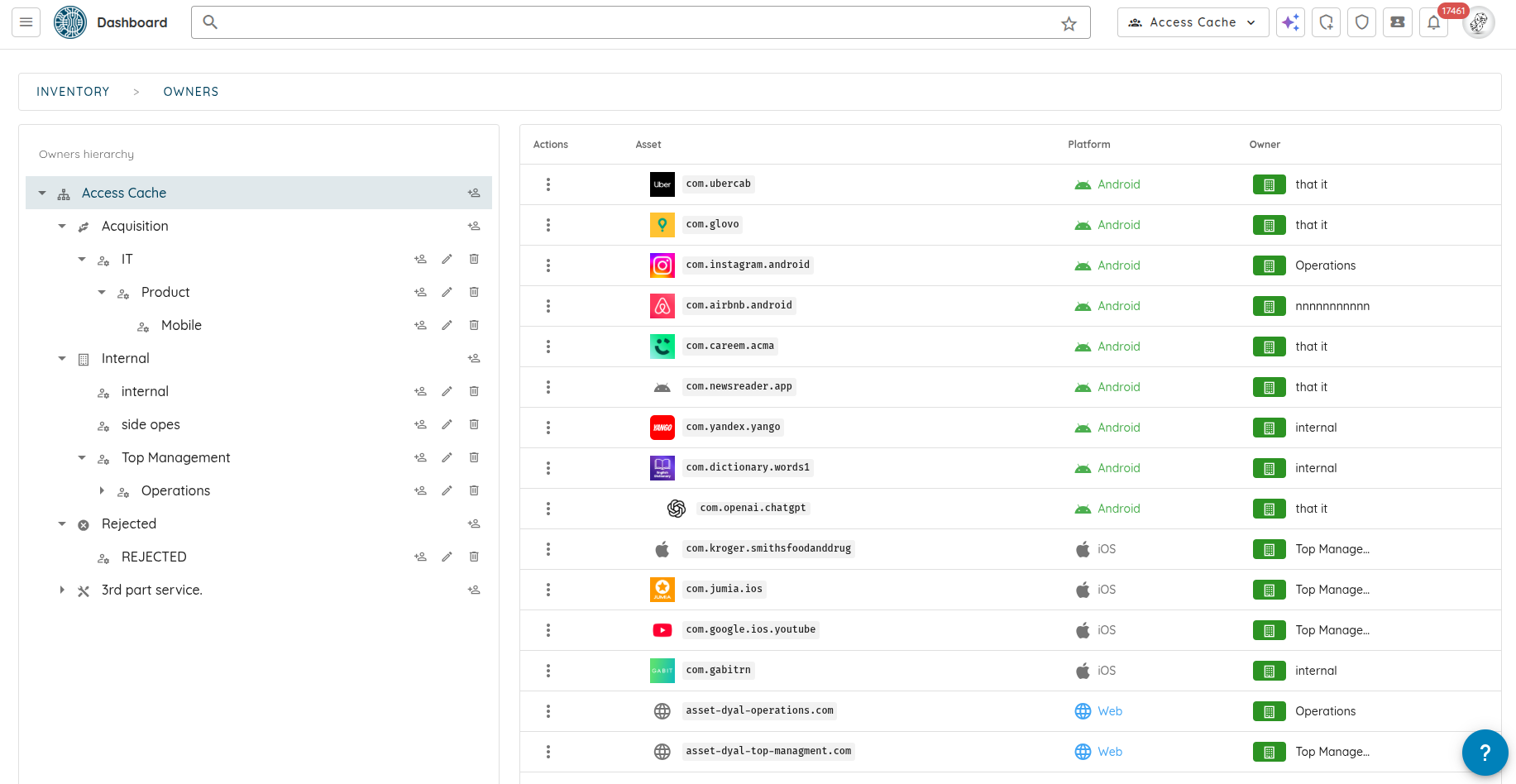
Owners represent logical groups such as teams, products, or business units. Users are assigned to Owners, and Owners control assets (apps, domains, IPs). Access then propagates automatically from assets to scans and generated tickets, no manual permission management required.
Key benefits:
-
Team-level isolation and interaction: Users only see and interact with assets, scans, and tickets relevant to their Owners. This includes interactions through the copilot, as well as fine-grained filtering of notifications both in-app and email so teams receive only updates related to their scoped assets.
-
Automatic access propagation: Access flows from Owners → Assets → Scans → Tickets.
-
Hierarchical structure: Owners can have parent–child relationships, allowing managers to oversee multiple teams while keeping individual teams scoped.
-
Least-privilege by default: Reduces noise and prevents unintended cross-team access.
Role behavior with Owner-Based RBAC enabled:
-
Admin: Unrestricted access; bypasses Owner restrictions.
-
User: Read and write access within assigned Owners (full access if no Owners are assigned).
-
Reader: Read-only access within assigned Owners (full read access if no Owners are assigned).
-
Attack Surface Auditor: Legacy role, deprecated.
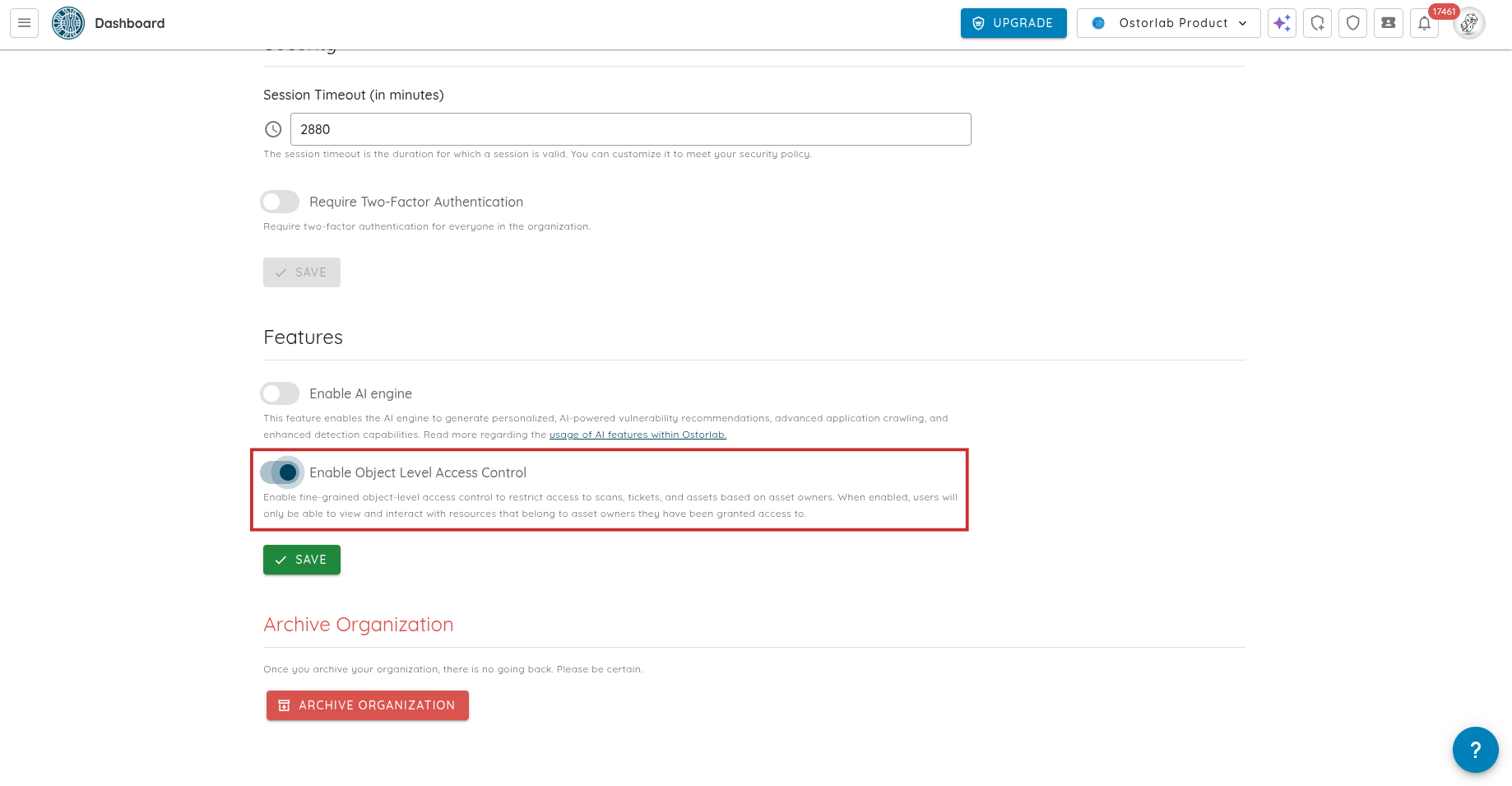
Owner-Based RBAC can be enabled from Settings → Organization → Object-Level Access Control, instantly activating granular, team-based access across the platform.
🖥️ Platform & Billing Enhancements
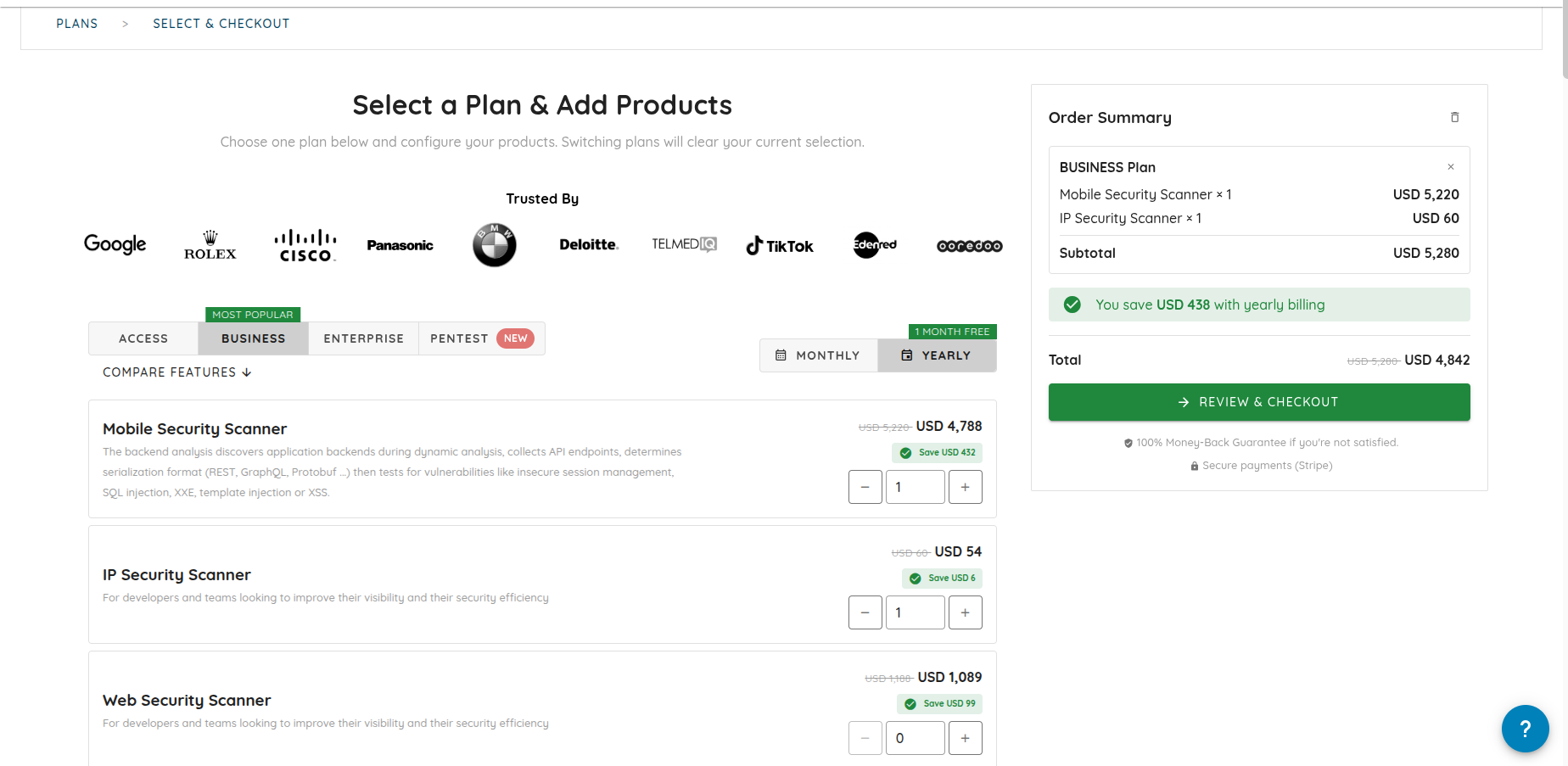
- New Pentest Offerings: Added new AI-powered and expert-led penetration testing plans for web and mobile applications, available directly through the platform.
- Update Payment Method (Credit Card): You can now securely update or replace the credit card used for your subscription directly from the billing settings, ensuring uninterrupted service and easier payment management.
- Editable Billing Information: Billing details (name, email, address, tax ID) can now be updated directly from payment method settings.
- Improved Plans & Billing UI: Enhanced subscription management with clearer layouts, tooltips, and a visible “Canceled” label for inactive plans.
- Improved Table Interactions: All data tables now support middle-click and Ctrl/Cmd+click to open items in new tabs.
- Smoother Navigation: Implemented infinite scrolling on the AI Pentest analysis timeline, replacing pagination for long analyses.
- Better Modal Experience: Improved scrolling behavior in vulnerability and risk detail modals to prevent background page movement and maintain focus.
🪲 Bug Fixes & Enhancements
- Reliable Mobile Scans:
- Improved Android dynamic scan reliability with better error handling during device allocation.
- Added support for running scans on rooted test devices.
- Accurate Android Root Detection: Fixed false positives in Android static analysis root detection checks.
- Scan Completion Workflow: Resolved an issue where Fast Scans and other scan profiles failed to trigger the “scan done” workflow.
- Ticket Creation Logic: Fixed an issue preventing new ticket creation when a closed ticket already existed for the same vulnerability.
- Icon Rendering Fix: Switched to locally hosted icons to resolve display issues in regions where third-party CDNs are blocked.
- UI Consistency & Polish: Addressed multiple minor UI issues, including scan report spacing, scan details layout consistency, call coverage dividers, and ensuring upcoming invoices are always displayed correctly.