
Android Developer Verification 2026: Who Needs It
From 2026, certified Android devices can block apps from unverified developers. What changes for sideloading, who is affected, and how Google is responding.
What Is Actually Changing
Starting in 2026, Android will no longer treat all apps equally.
To run on certified Android devices, apps will need to come from verified developers. If a developer has not completed Google’s verification process, their apps can be blocked from installing or updating, even if the app itself is technically safe.
This change is not limited to the Play Store. It affects how Android handles apps in general, including apps installed outside of Google’s marketplace. In practice, Android is moving from a system that mostly relied on warnings to one that can actively stop apps based on who published them.
The key shift is simple:
Android is no longer just checking the app. It is checking the developer behind it.
Before Developer Verification: Freedom With Risk
Before developer verification, Android developers could build and share apps without tying them to a real-world identity. Publishing did not require verification, and anonymity was allowed.
For users, this meant more choice. Apps could be shared easily, and installing software was ultimately a personal decision.
Android made the risks clear, but it stopped there. Warnings were shown, permissions were highlighted, and users were trusted to decide whether an app was worth installing.
Over time, that trust model began to break.
What was designed as freedom slowly became an advantage for bad actors who knew how to exploit human behavior.
After Developer Verification: More Security, Less Freedom
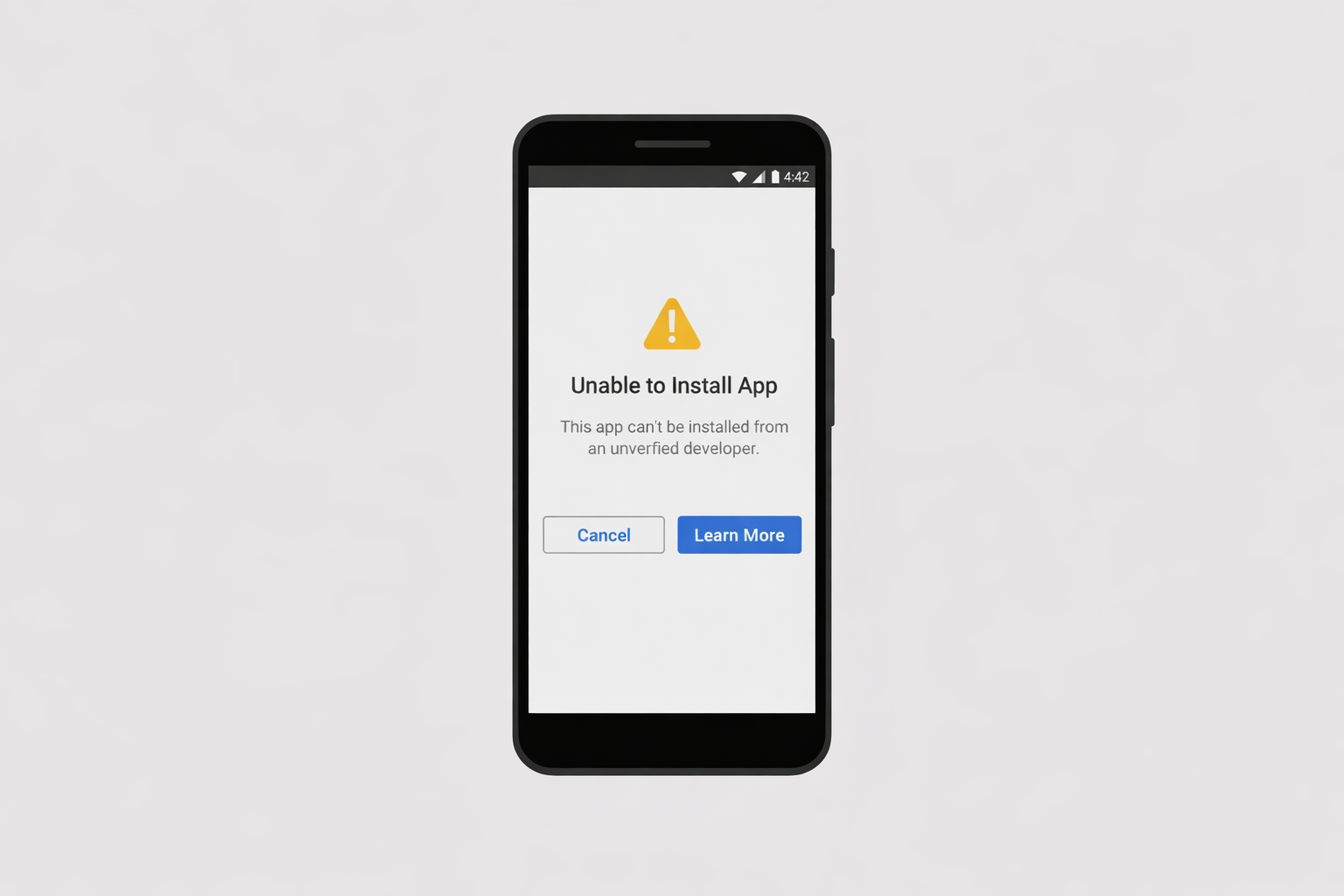
With mandatory developer verification, Android shifts from trust by default to control by design.
Apps are now tied to verified developers, which makes large-scale scam operations harder to run. Anonymous accounts can no longer appear, disappear, and reappear under new identities. When something goes wrong, there is a clear entity responsible for the app.
However, the effectiveness of this depends on the verification process being able to detect fake or stolen identities, which remains a challenge as attackers increasingly use AI-generated documents or identity theft.
For users, this increases trust. Installing apps becomes less of a gamble, especially for people who are not deeply technical.
For developers, it helps level the field by reducing competition from fraudulent or deceptive apps.
But that added security comes with real costs.
While mandatory verification improves security and accountability, it may also stifle innovation. Anonymous publishing is no longer possible, and the platform decides which apps can run based on the developer’s identity rather than the app’s functionality or safety.
This may discourage hobbyists, students, and independent developers from experimenting or releasing novel ideas.
Android does not just warn anymore. It enforces.
Why Sideloading Is at the Center of the Debate
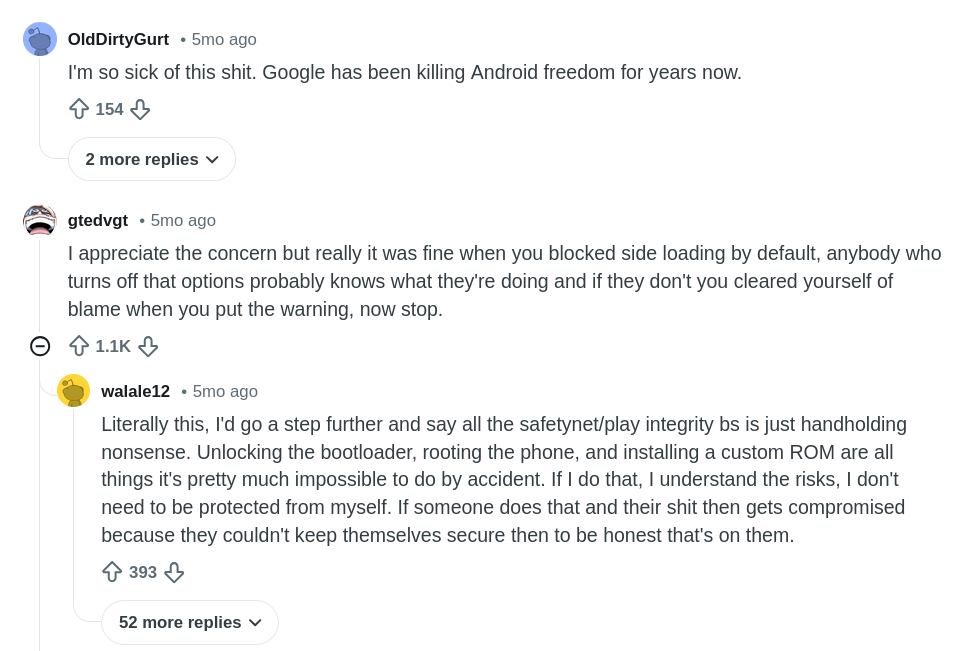
Sideloading is where Android’s old and new models collide.
In the past, sideloading was a conscious choice. Android warned users, explained the risks, and required extra steps, but the final decision always belonged to the person holding the device. If you understood what you were doing, Android didn’t block you.
Developer verification changes that dynamic.
Instead of warnings, Android can now apply hard blocks to apps that do not come from verified developers. Even when users are fully aware of the risks, the system may refuse to install the app at all.
This is why experienced users care. Sideloading was never about convenience. It was about control. It allowed advanced users to test software, run custom tools, and make informed decisions without platform interference.
This debate is not really about sideloading itself. It is about who gets the final say when risk is involved: the user or the platform.
Who Is Affected by Developer Verification
While developer verification applies to everyone, its impact is not evenly distributed.
Students and Hobbyists
Android has long been a space where people could learn by building and sharing apps informally. Anonymous publishing made experimentation easy and low-pressure.
With verification now required, that freedom is reduced. What used to be a casual learning exercise starts to look like a formal process, which can discourage small or experimental projects.
Experienced Users
Advanced users were never reckless. They relied on warnings not because they ignored risk, but because they understood it.
Sideloading gave them the ability to test software, run custom tools, and make informed decisions on their own devices. When Android replaces warnings with hard blocks, those users lose autonomy, even when they know exactly what they are installing.
This is why the reaction to developer verification is so strong. The change does not just target bad actors. It reshapes how legitimate users and developers interact with the platform.
Android Responds to the Loss of Freedom
To Google’s credit, Android did not ignore the criticism.
For students and hobbyists, Android introduced a way to upload and test apps on a limited number of devices without going through full developer verification. This preserves learning and experimentation while still preventing large-scale abuse.
For experienced users, Android is building a new advanced sideloading flow. Instead of a simple warning screen, this flow is designed to resist coercion. It slows the process down, makes the risks explicit, and prevents scammers from pressuring users into bypassing protections.
Importantly, this approach does not remove choice entirely. It restores it in a controlled way. Users who understand the risks can still proceed, but only after Android is confident the decision is informed and deliberate.
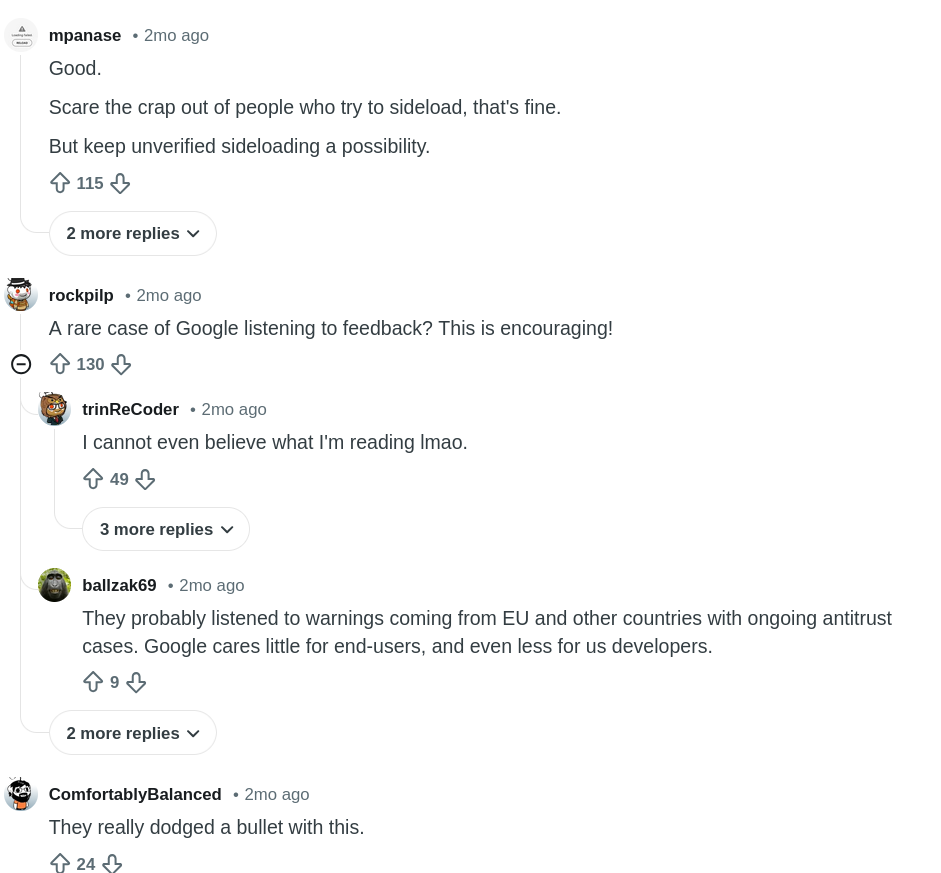
Feedback from developers and users has been largely positive. Many expressed relief that Android is balancing security with user freedom.
Final Take
This is not Android locking itself down in the way iOS does. Sideloading still exists, and developers are not being shut out entirely.
But Android is clearly redefining who controls risk.
The platform is moving away from warning users and letting them decide, toward enforcing decisions on their behalf.
Whether this shift succeeds depends on how much real choice remains. If advanced users can still make informed decisions and learners can still experiment freely, the balance may hold.
If those paths shrink over time, Android risks losing one of the qualities that made it different in the first place.
Security matters. But on Android, freedom has always mattered too.
Sources
Reddit: Google wants to make sideloading Android apps safer by verifying developers’ identities