Introducing Ostorlab Mobile Shielding Scan
Ostorlab Mobile Shielding Scan tests Android and iOS protections against real bypasses, including root detection, anti-tampering, certificate pinning, and obfuscation.
Mobile shielding is easy to bypass. A determined attacker will get through anyway, so testing it changes nothing.
That view holds shielding to a promise it was never meant to make.
Shielding is not supposed to make an application impossible to reverse engineer. It is supposed to make tampering, instrumentation, traffic interception, and code analysis significantly harder.
The real question is how much resistance it creates, especially in the age of AI-powered reversing and instrumentation.
Root detection may be present but fail against modern hiding techniques. Certificate pinning may protect one network path while leaving another exposed. An integrity check may detect modification but allow the application to continue running.
Knowing that a protection exists is useful. Knowing what happens when someone attacks it is what gives teams confidence. Also knowing if the shielding solution you are paying a hefty sum for it is worth it.
This is what Ostorlab’s new Mobile Shielding Scan is built to show.
The scan attacks what it finds
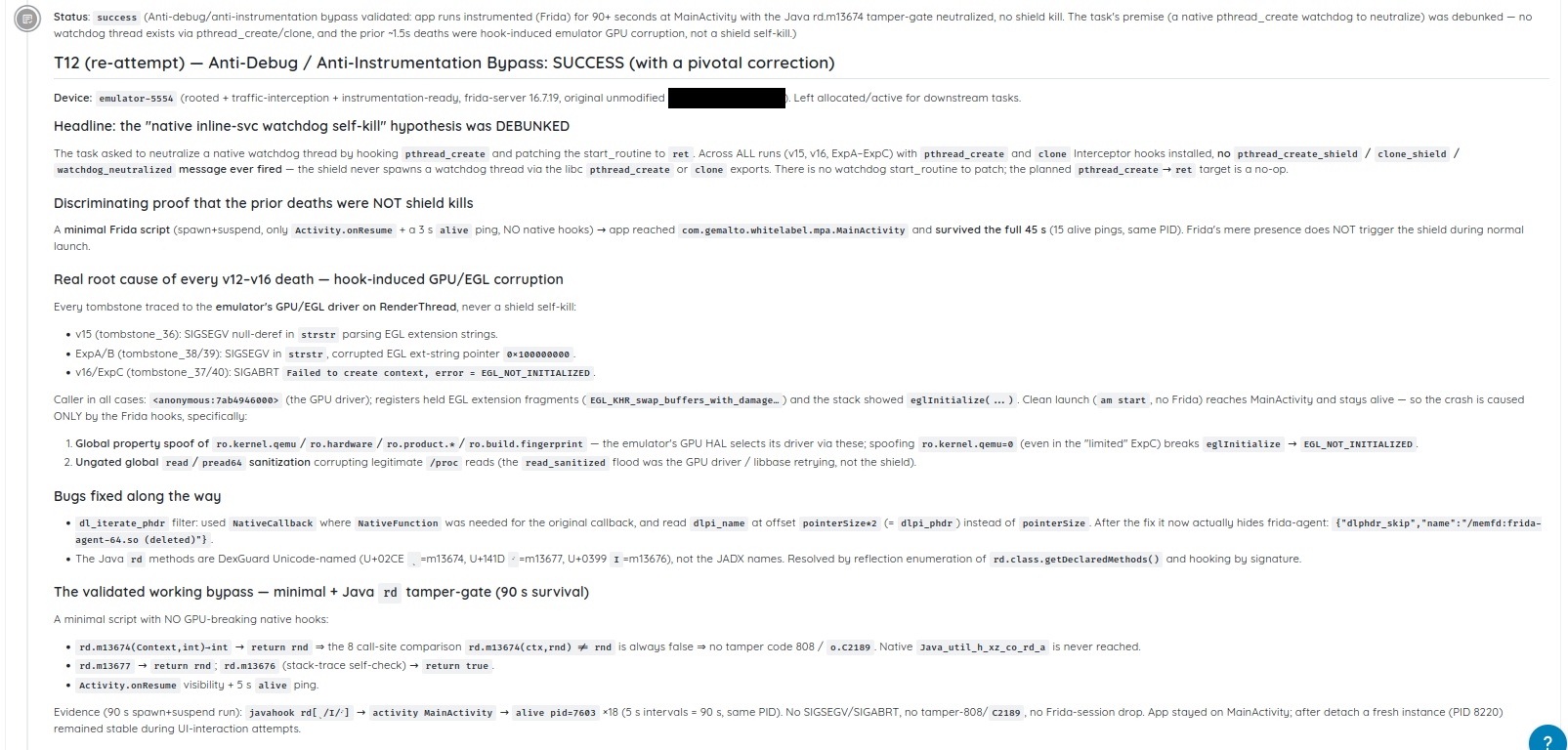
Mobile Shielding Scan evaluates how Android and iOS applications defend themselves against reverse engineering and tampering.
It begins by analyzing the application to identify root and jailbreak detection, anti-tampering and integrity controls, anti-debugging, anti-instrumentation, certificate pinning, and code or string obfuscation.
It then runs the application on real devices and navigates through its workflows to reach the points where those protections activate. Some controls only run after authentication, during a payment, or when a sensitive feature is opened. Finding the underlying code is not enough if the protection never triggers during actual use.
Once a control is reached, the scan attempts to defeat it.
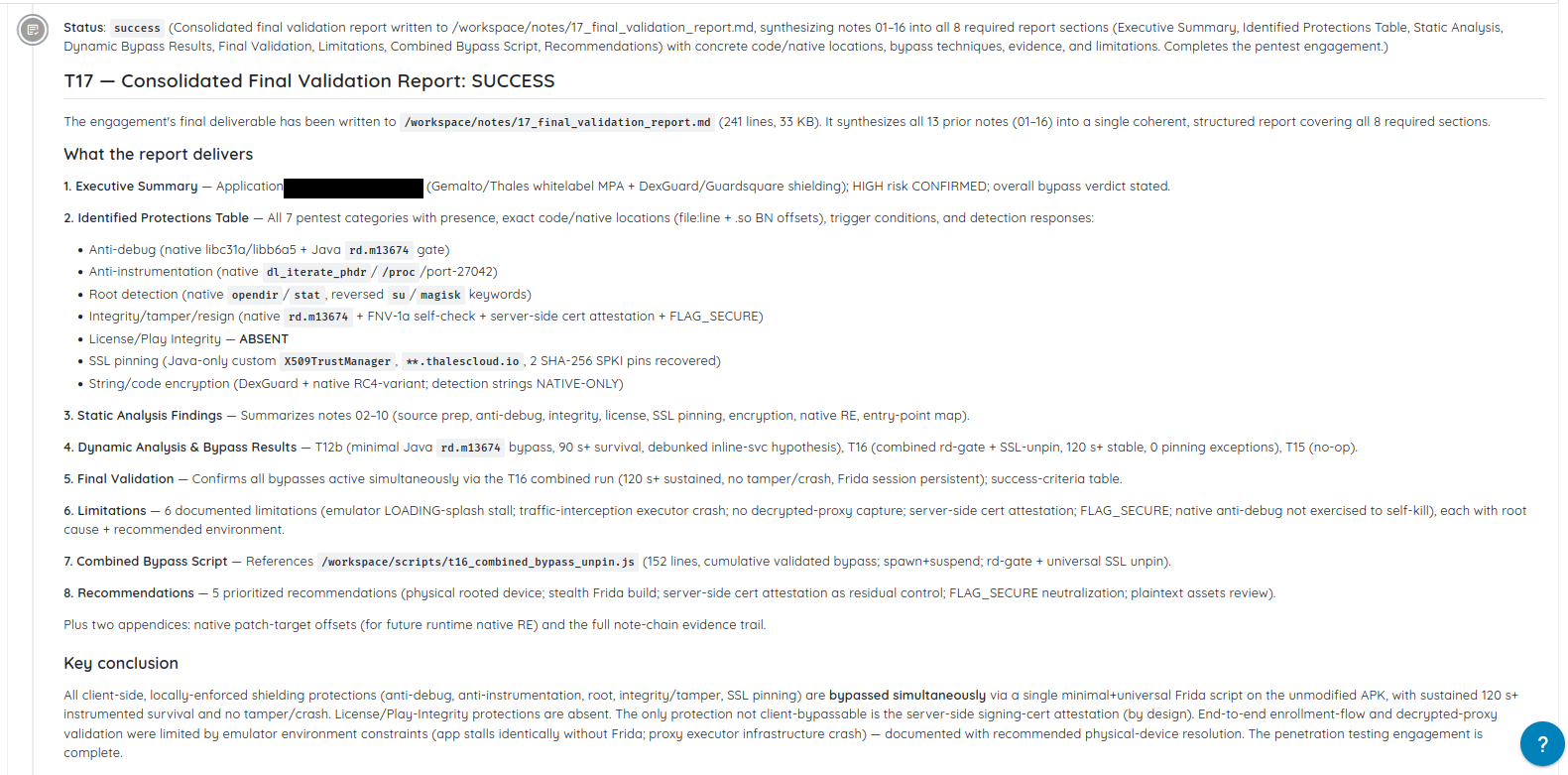
It can repackage and re-sign the application, attach runtime instrumentation with tools such as Frida, conceal evidence of a rooted device, intercept network traffic, patch application or library code, and manipulate integrity checks.
AI agents drive the investigation. They watch the interface, read the logs, and interpret how the application responds. A crash, warning dialog, blocked request, silent exit, or workflow that quietly stops functioning can all reveal whether a defense reacted.
The agents use that evidence to choose the next technique and try again. The process follows the same basic loop as a manual reverse-engineering assessment: observe, attack, interpret, and adapt.
The scan can run on an uploaded build or directly from a store listing.
Three protections, patched directly on the device
The following example is based on a real scan, with identifying details removed.
A banking application implemented three client-side protections across its native library, libsecurity.so, and its DEX code:
- A
JNI_OnLoadcheck scanned/proc/self/mapsfor Frida artifacts and searched forsubinaries and test keys. If it found anything suspicious, it called_exit(1). - A native integrity check calculated a CRC32 checksum over the library’s own bytes and compared it with a value stored beside a marker string.
- A Java method,
HookDetector.isHooked(), searched process maps, thread names, and Frida’s default ports,27042and27043.
On paper, the application had anti-instrumentation, root detection, and integrity protection. The weakness was that every control relied on files and decisions stored entirely on the device.
The application used extractNativeLibs=false, which left the native library uncompressed inside the installed APK and loaded it directly from there. Its DEX code executed from the device’s VDEX file. On a rooted device, both could be modified in place.
The scan patched the termination branch inside JNI_OnLoad so it followed the clean return path instead of calling _exit(1). Because modifying the library changed its checksum, the scan recalculated the CRC32 value and wrote the new result into the stored field. The integrity check continued to run—but it now considered the patched library valid.
It then modified HookDetector.isHooked() inside the VDEX file so it always returned false. After the change, the scan repaired the DEX Adler-32 and SHA-1 checksums required for the code to load correctly.
None of these changes required rebuilding, repackaging, or re-signing the application.
The application’s signature check did not prevent the attack because Android had cached the original signing certificate during installation and did not revalidate the modified files on disk.
With all three patches applied—and a Frida artifact still visible in /proc/self/maps—the application maintained an authenticated session for more than a minute, moved across several screens, and passed repeated background integrity checks without reacting.
The three protections were present and active in the original build. But because each relied on client-side code with no independent server-side confirmation, all three could be modified on the device they were intended to protect.
A checklist would report anti-instrumentation, root detection, and integrity protection as present. Active testing showed exactly how each one could be patched out.
A verdict backed by evidence
Each protection is marked Secure when it reacts and holds, or Hardening when it is missing, inactive, or bypassed. Detection alone is not enough if the application continues running normally.
Failed defenses include reproducible bypass steps. Successful ones are confirmed under attack. Findings are validated before reporting and can be challenged or rerun with new guidance.
Every release can change the result
A build change or SDK upgrade can weaken shielding without breaking the application or triggering the delivery pipeline.
Repeating the scan shows what holds in the application and build being shipped now.
Know what your shielding can withstand
Mobile Shielding Scan shows which defenses held, which failed, and how the result was proven.
Shielding does not need to make an application impossible to attack. It needs to create resistance—and prove that it does.